


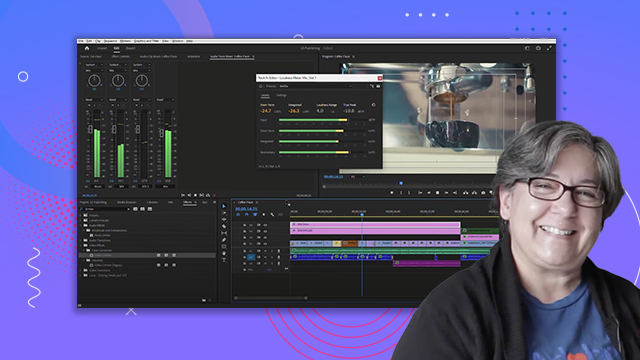
Essential sound panel
Learn how to apply audio transitions and effects in Adobe Premiere Pro. Learn how to adjust the timing and apply various edits to your audio track.
This summary is AI generated
Learning Outcomes:
- Tag audio clips for effective adjustments
- Utilize the essential sound panel features
- Apply audio presets for improved sound quality
Level: Intermediate
Skills you'll gain:
Premiere Pro, Audio Editing, Sound Design, Audio Mixing
Key Insights
- Switch to audio workspace for better audio management.
- Rename audio tracks for clarity and organization.
- Use the essential sound panel for powerful audio adjustments.
- Auto match loudness levels for different audio types.
- Explore built-in audio presets for quick enhancements.
- Adjust clip volume to achieve desired sound levels.
- Utilize audio cleanup tools for professional sound quality.
- Undo actions easily with keyboard shortcuts.
- Understand target loudness values for various audio types.
- Create and save custom audio presets for future use.





 AdChoice