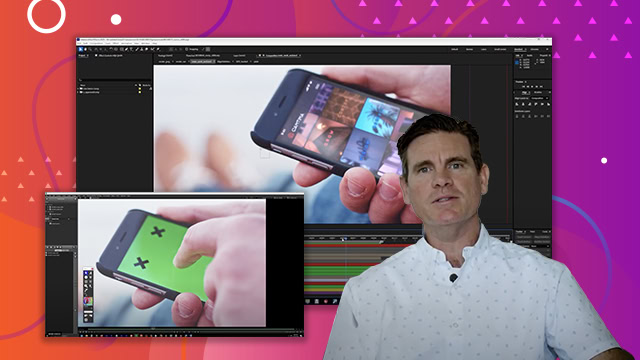
Advanced 3D Workflows
Learn how to combine 3D with real-world footage and managing complex projects.
This summary is AI generated
Learning Outcomes:
- Understand 3D bin functionality in After Effects
- Apply effects to 3D models using adjustment layers
- Utilize time remapping for embedded animations
Level: Advanced
Skills you'll gain:
After Effects, 3D, Animation, Compositing
Key Insights
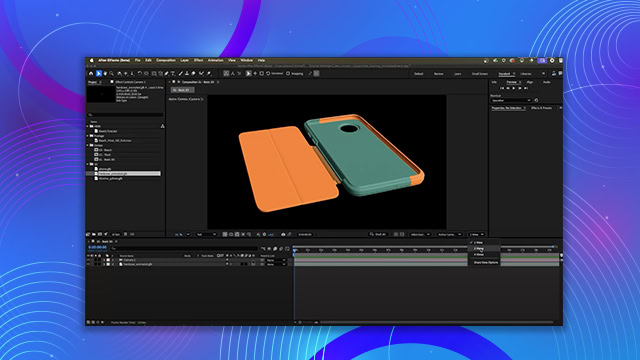
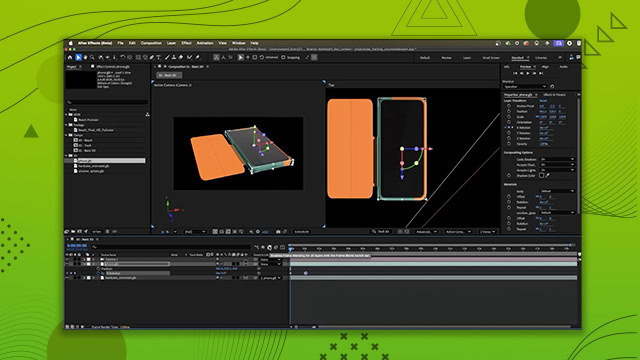
- 3D bins allow compositing multiple 3D renders in one composition.
- 2D layers can break 3D bins, affecting shadow casting.
- Adjustment layers can be used to apply effects to 3D models.
- CC Composite is a simpler method for blending 3D layers.
- Time remapping enables control over embedded animations in 3D models.
- Draft 3D mode speeds up animation previews by disabling effects.
- Keyframed animations can be combined with embedded animations for flexibility.
- Easing keyframes enhances the smoothness of animations.
- Using track mats can solve intersection issues in 3D layers.
- Understanding layer stacking is crucial for effective 3D rendering.