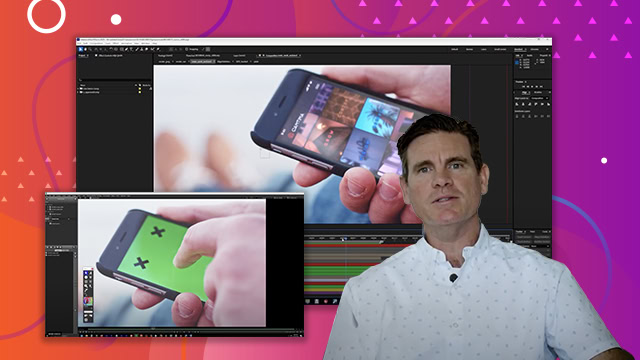
Creating DOF (Depth of Field) effects
Learn how to simulate realistic depth of field in a 3D composition, adding a cinematic blur to foreground or background elements for enhanced visual focus.
This summary is AI generated
Learning Outcomes:
- Create depth of field effects in After Effects.
- Utilize 3D channel extract for depth information.
Level: Advanced
Skills you'll gain:
After Effects, 3D, Depth, Blurring
Key Insights
- Nest compositions for better organization.
- Use 3D channel extract to generate depth masks.
- Adjust levels to refine depth maps.
- Create solid backgrounds to enhance scenes.
- Apply gradient ramps for background effects.
- Select appropriate blending modes for layers.
- Pre-compose layers to manage complex compositions.
- Utilize camera lens blur for depth effects.
- Fine-tune blur radius for subtlety in effects.
- Explore continuous improvements in After Effects features.