Masks & mattes (part 1)
Create, apply, and manipulate masks and track mattes.
This summary is AI generated
Learning Outcomes:
- Create and manipulate masks in After Effects.
- Apply track mats for layer transparency effects.
- Adjust mask properties for desired visual results.
Level: Intermediate
Skills you'll gain:
After Effects, Masking, Rotoscoping, Track Matte
Key Insights
- Use the 'M' key to reveal mask properties.
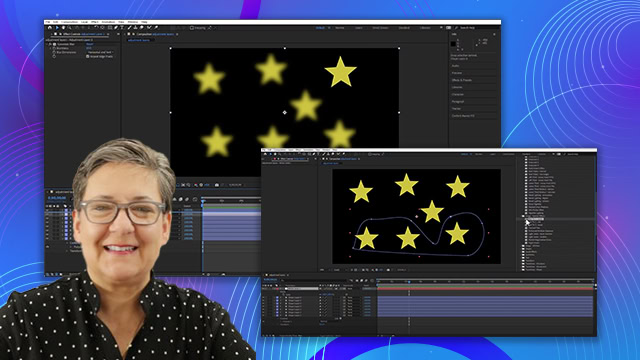
- Masks can be set to add, subtract, or intersect.
- Adjust mask opacity for blending effects.
- Track matte uses transparency of one layer to affect another.
- Keyframe mask paths for dynamic animations.
- Rotoscoping involves adjusting masks frame by frame.
- Experiment with different mask settings for creative effects.
- Use solids as backgrounds to visualize track matte effects.
- Practice mask interpolation for smoother transitions.