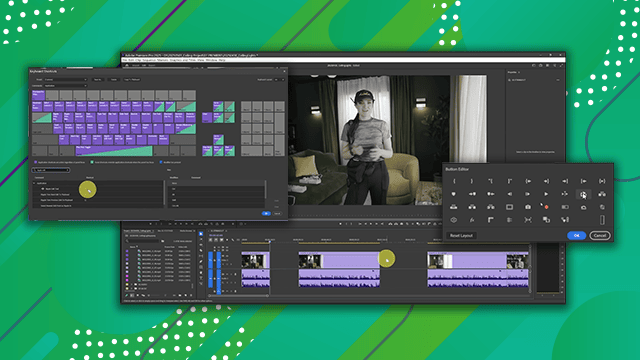
Stabilize and color correction
Manipulate digital video and use basic auto-correction methods and tools.
This summary is AI generated
Learning Outcomes:
- Use warp stabilizer for video stabilization.
- Apply auto color correction techniques effectively.
- Understand color grading versus color correction.
Level: Intermediate
Skills you'll gain:
After Effects, Stabilization, Color Correction, Color Grading
Key Insights
- Warp stabilizer analyzes clips for stabilization automatically.
- Auto color correction smooths transitions between settings.
- Use lumetri scopes for accurate color correction.
- Adjust luminance before color for efficient editing.
- Maintain color pixels within legal broadcast limits.
- Color grading enhances the desired look of clips.
- Avoid rendering with visible tracking banners.
- Use eyedropper for quick white balance adjustments.
- Understand the relationship between exposure and saturation.
- Always scrub clips to ensure consistent color correction.