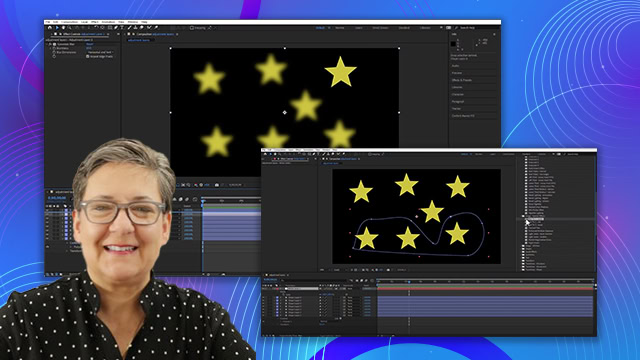
Effects controls and wiggle
Animate effects using keyframes in the Effect Controls panel and timeline.
This summary is AI generated
Learning Outcomes:
- Animate effects using keyframes in After Effects.
- Apply wiggle expressions for dynamic animations.
Level: Intermediate
Skills you'll gain:
After Effects, Keyframing, Animation, Expressions
Key Insights
- Keyframing can be done in effect controls or timeline.
- Global changes affect properties without keyframes.
- Wiggle expression creates random values for properties.
- Frequency and magnitude control wiggle behavior.
- Hold Alt/Option to add expressions via stopwatch.
- No difference in keyframing methods across panels.
- Wiggle expression is useful for dynamic animations.
- Keyframes can be adjusted at any point in time.