Organizando Projectos de Video
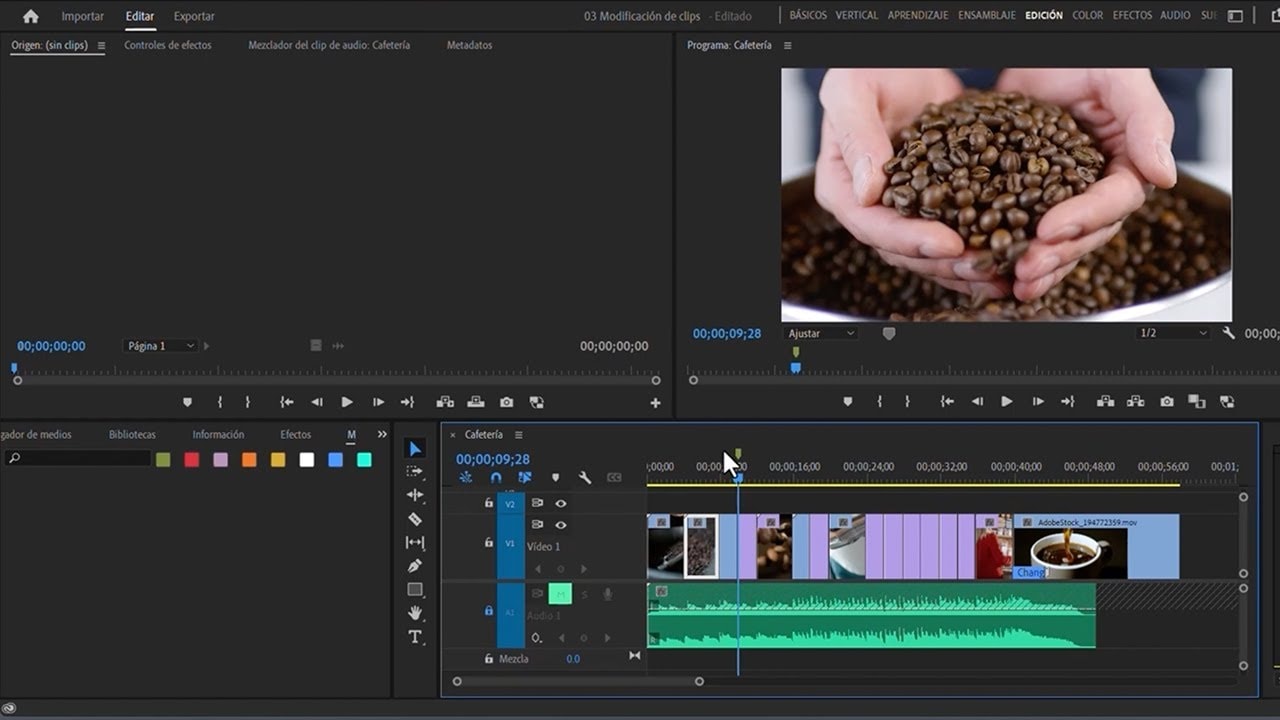
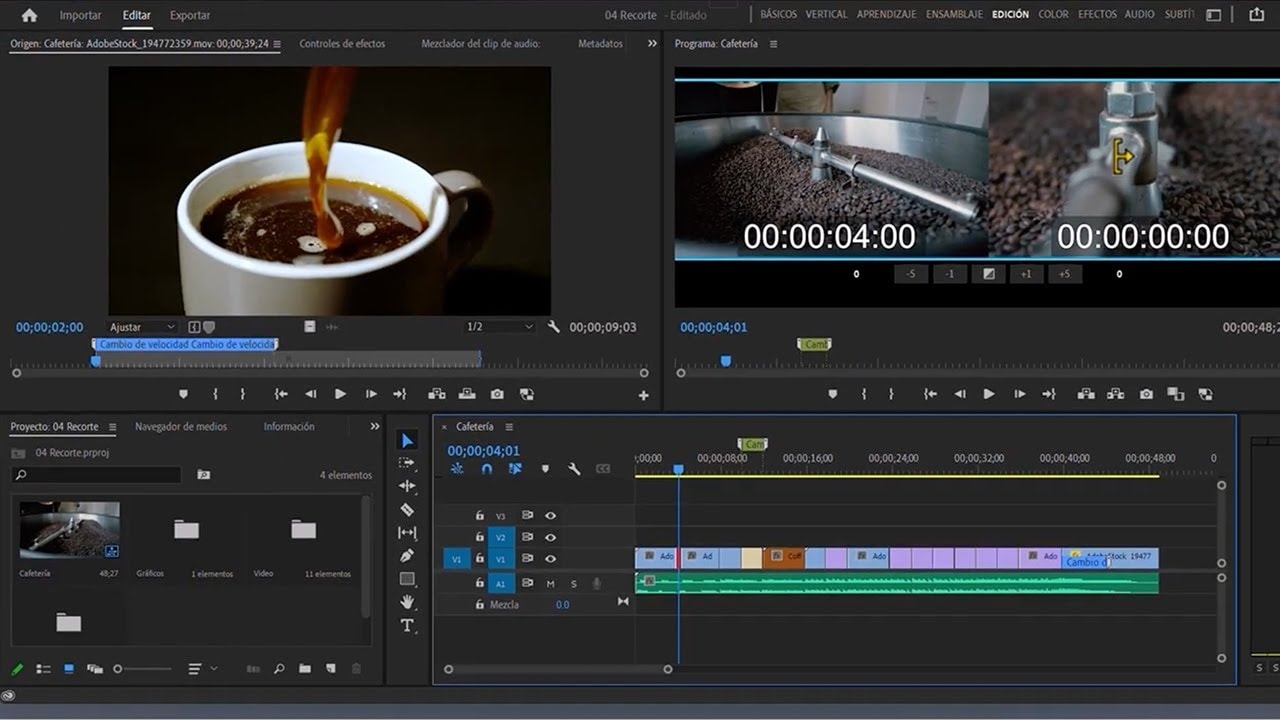
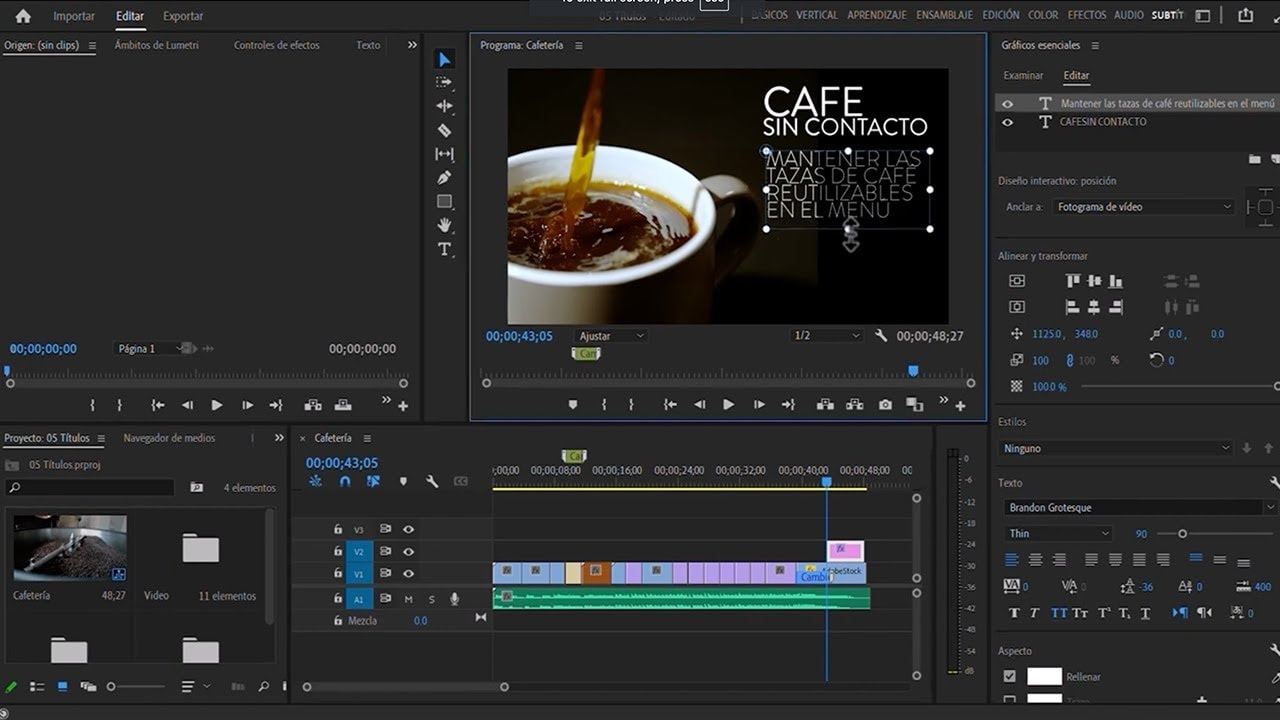
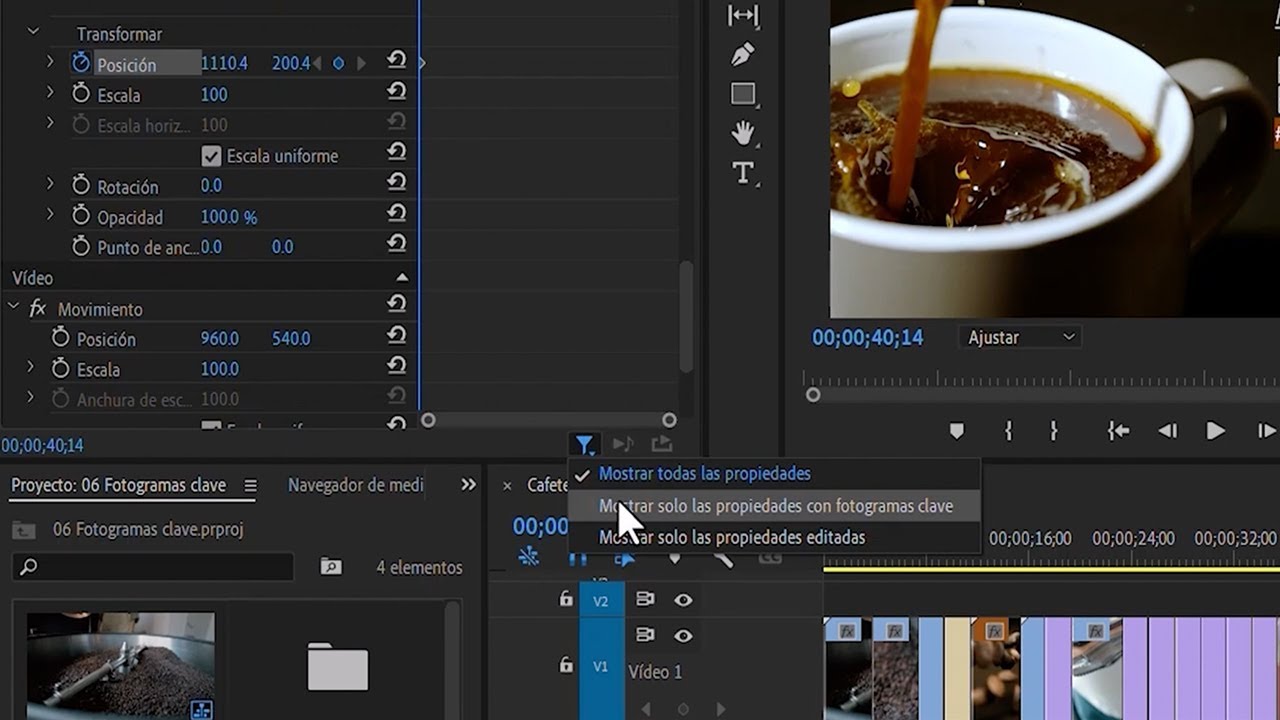
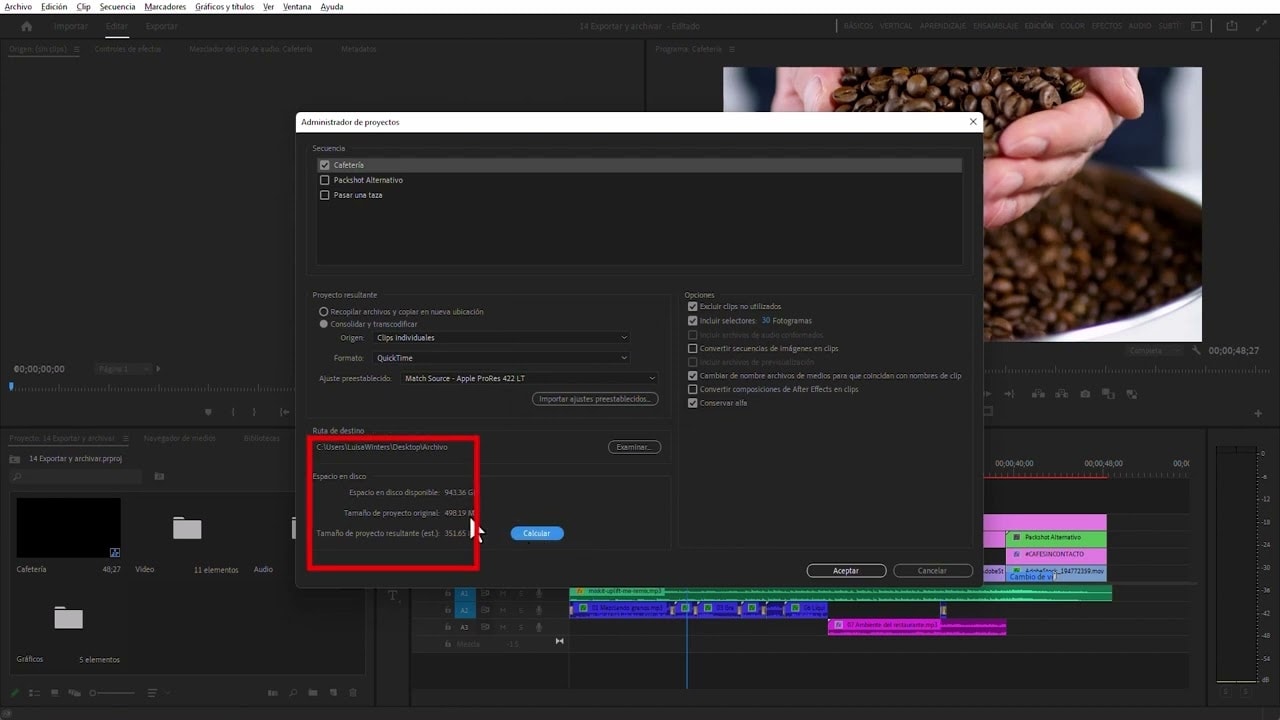
Aprende cómo organizar tus proyectos de vídeo en Adobe Premiere Pro. Se le introducirá la creación de carpetas en los proyectos y cómo vincular clips de audio a grabaciones, renombrar clips y mover activos a lo largo de la línea de tiempo de Premiere Pro.
This summary is AI generated
Learning Outcomes:
- Organize audiovisual projects efficiently
- Manage video and audio clips effectively
- Utilize Premiere Pro workspace features
Level: Intermediate
Skills you'll gain:
Premiere Pro, Organization, Editing, Audio
Key Insights
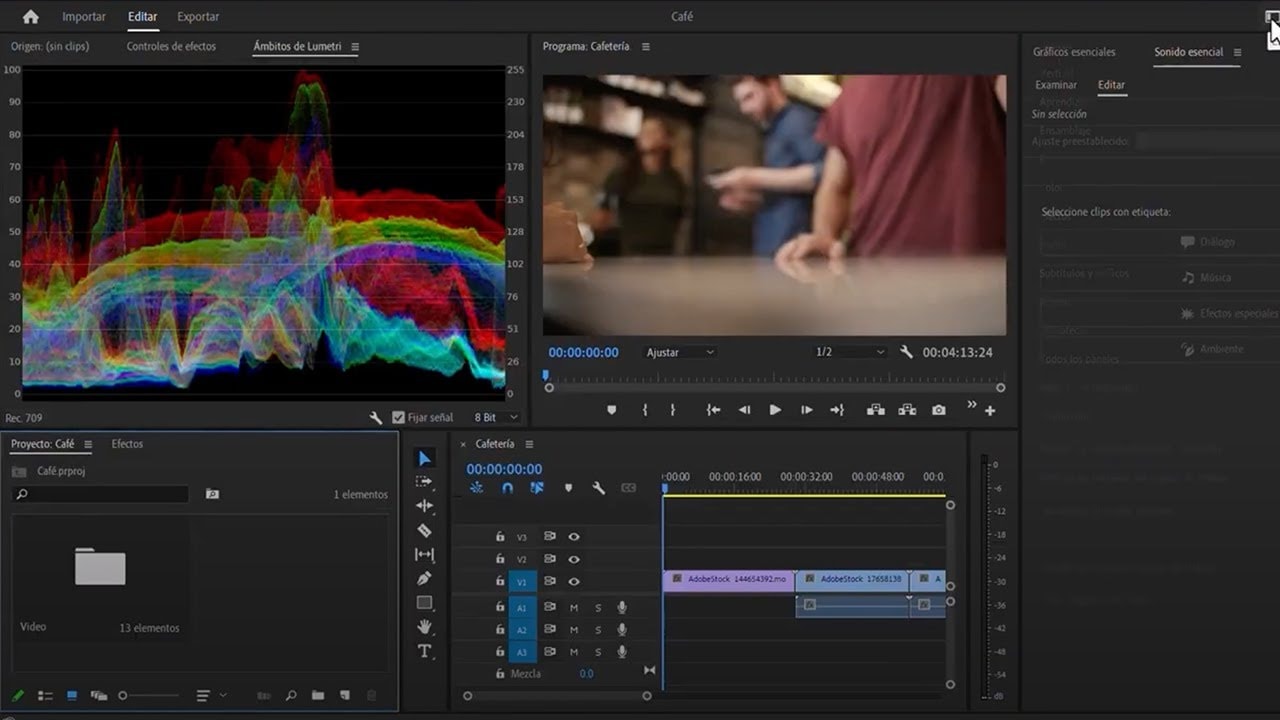
- Change workspace to Assembly for better organization.
- Create separate bins for video and audio clips.
- Use shortcuts like Ctrl+B or Command+B for efficiency.
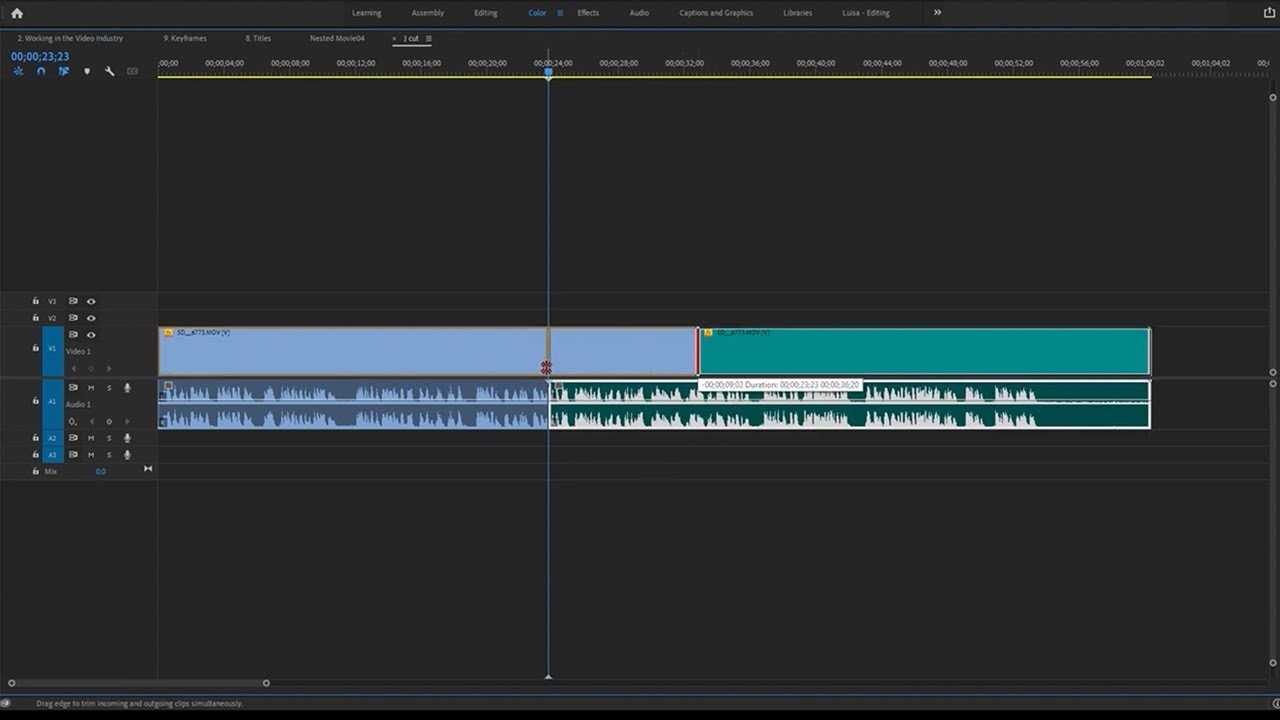
- Unlink audio from video clips for individual editing.
- Rename clips for better identification in the timeline.
- Silence audio tracks to focus on video editing.
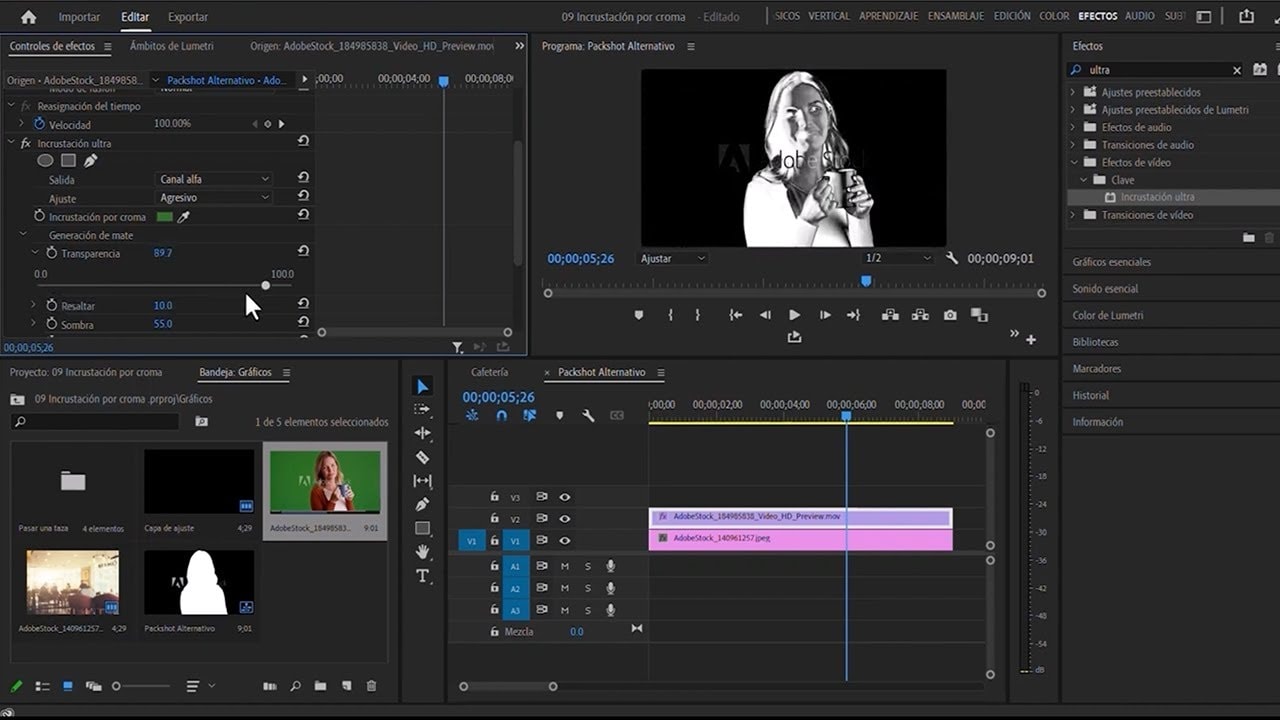
- Expand and contract tracks for better visibility.
- Use markers to mark clip entry and exit points.
- Remove empty audio tracks to declutter the project.