


Modificando los Clips
Aprende cómo modificar clips en Adobe Premiere Pro. Descubrirá cómo los marcadores pueden ayudarle a tomar decisiones de edición, como ralentizar o acelerar los clips de vídeo.
This summary is AI generated
Learning Outcomes:
- Modify clip speed and duration effectively.
- Utilize markers for organization in editing.
Level: Intermediate
Skills you'll gain:
Premiere Pro, Editing, Markers, Clip Management
Key Insights
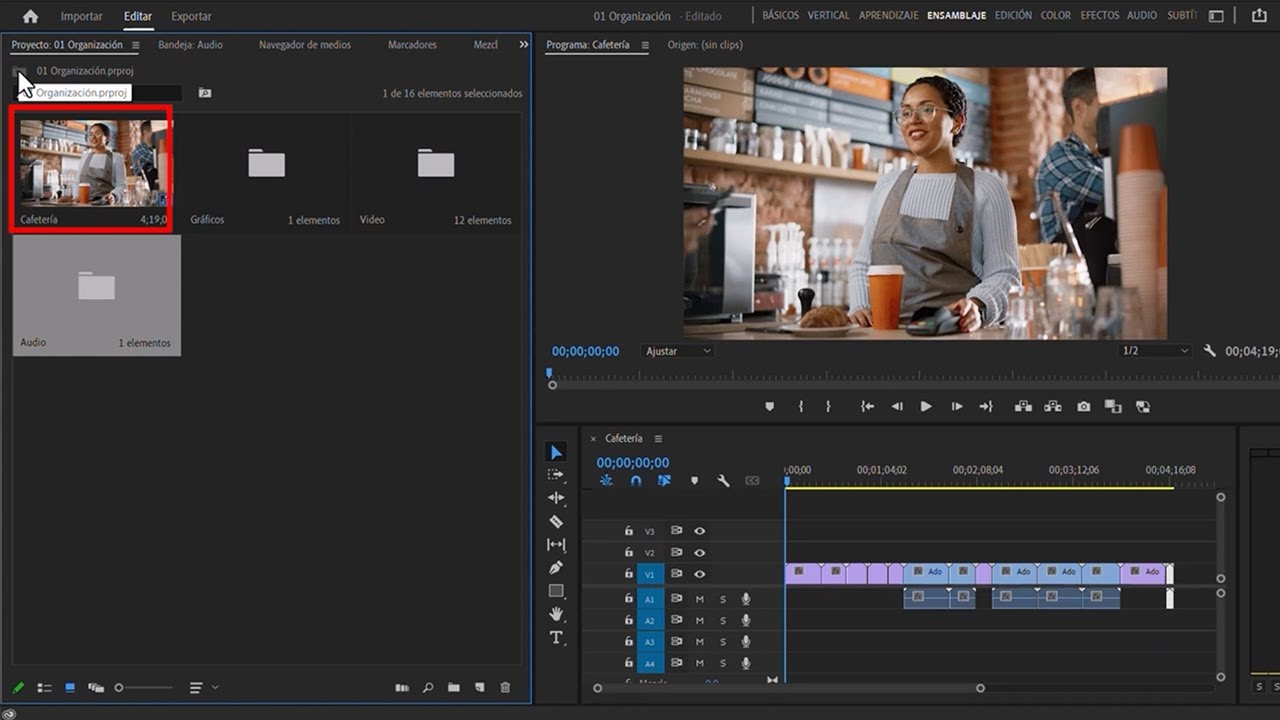
- Change workspace to editing for better workflow.
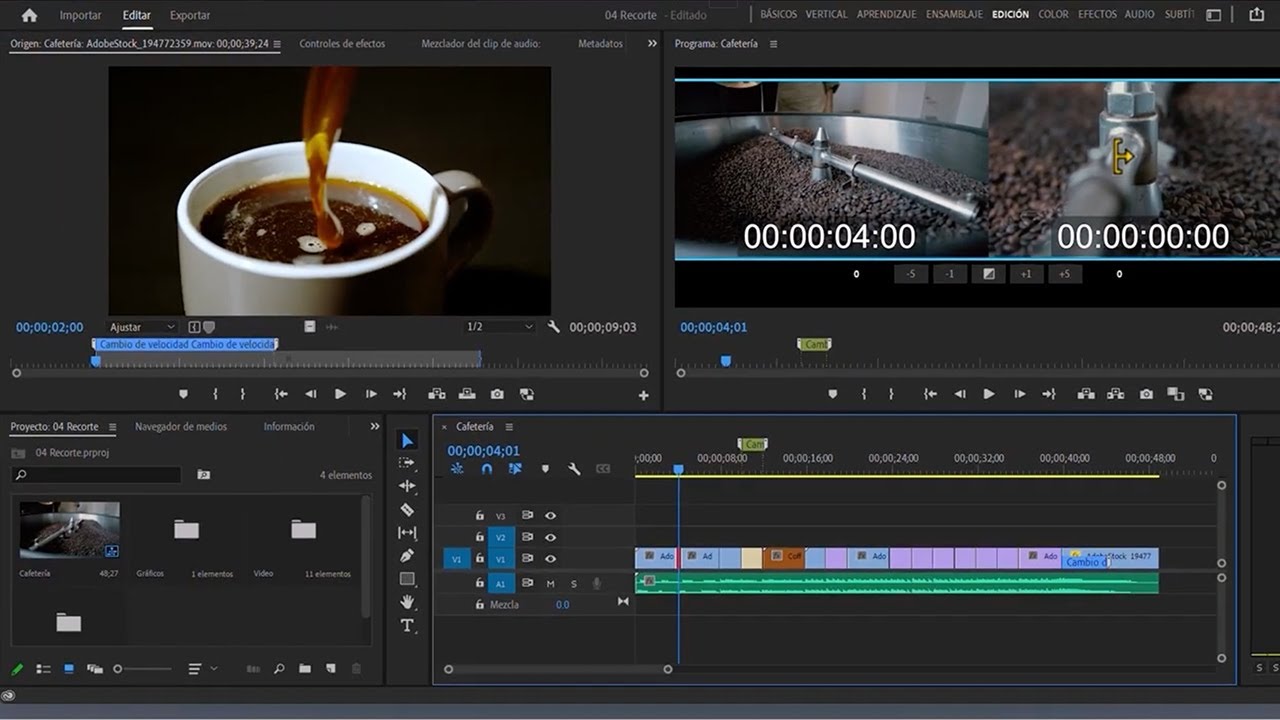
- Use markers to navigate and organize clips.
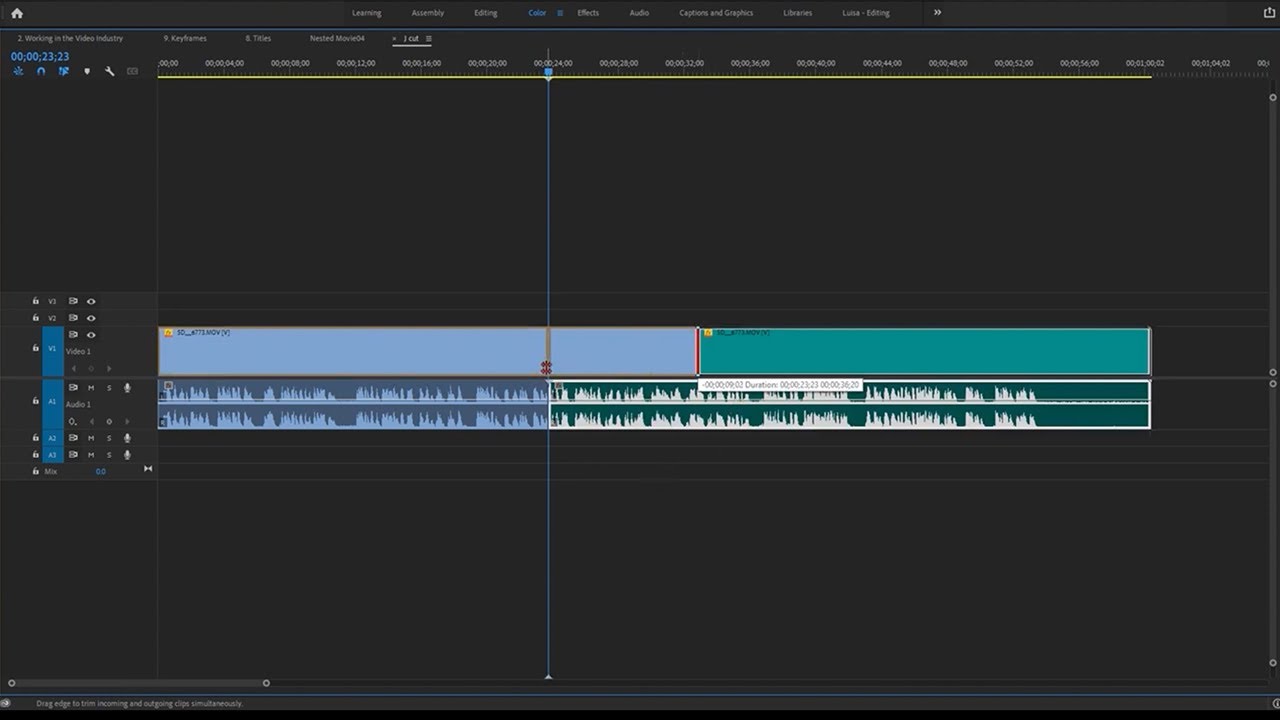
- Lock audio tracks to prevent accidental changes.
- Adjust track height for better visibility.
- Change clip speed using right-click options.
- Rename clips for better identification.
- Use color labels for quick visual organization.
- Extend marker duration for precise editing.
- Zoom in on clips for detailed adjustments.







 AdChoice