


Efectos
Aprende a aplicar efectos a tus clips de vídeo, como cortes o transiciones, en Premiere Pro.
This summary is AI generated
Learning Outcomes:
- Apply effects to clips in Premiere Pro
- Use transitions for smoother edits
- Organize project panels effectively
Level: Intermediate
Skills you'll gain:
Premiere Pro, Effects, Transitions, Adjustment Layers
Key Insights
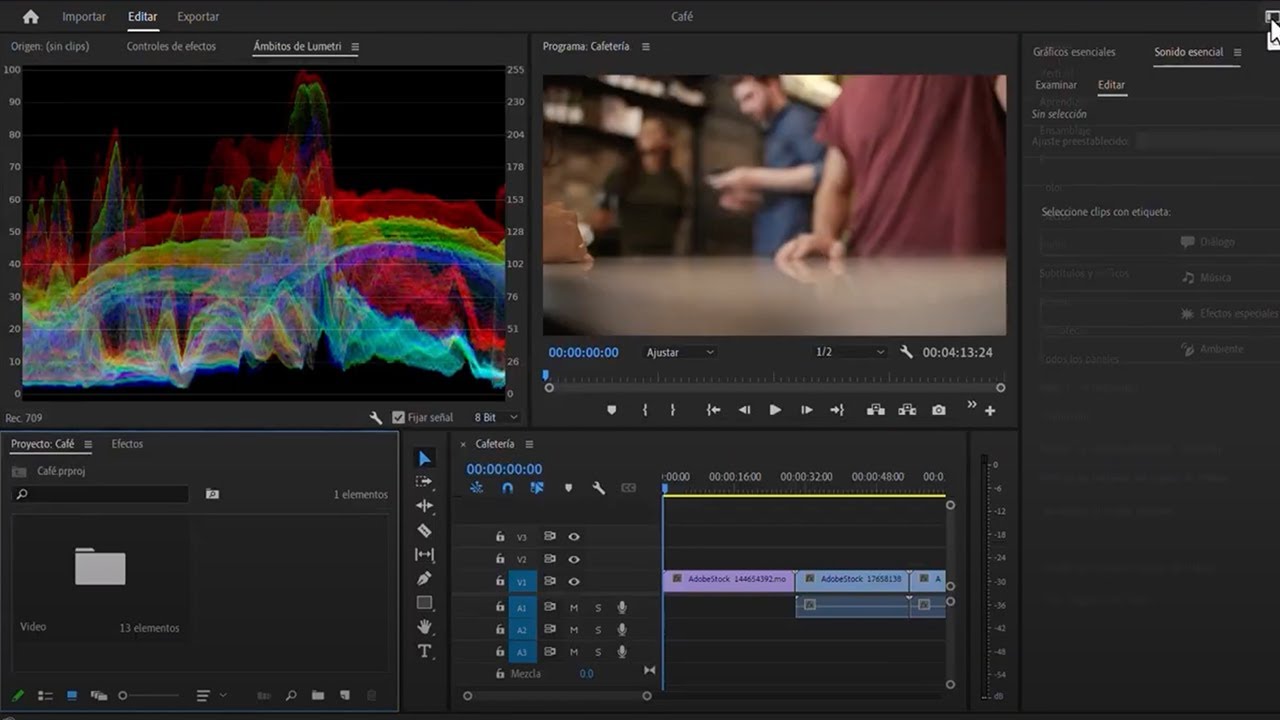
- Switch to the effects workspace for better access.
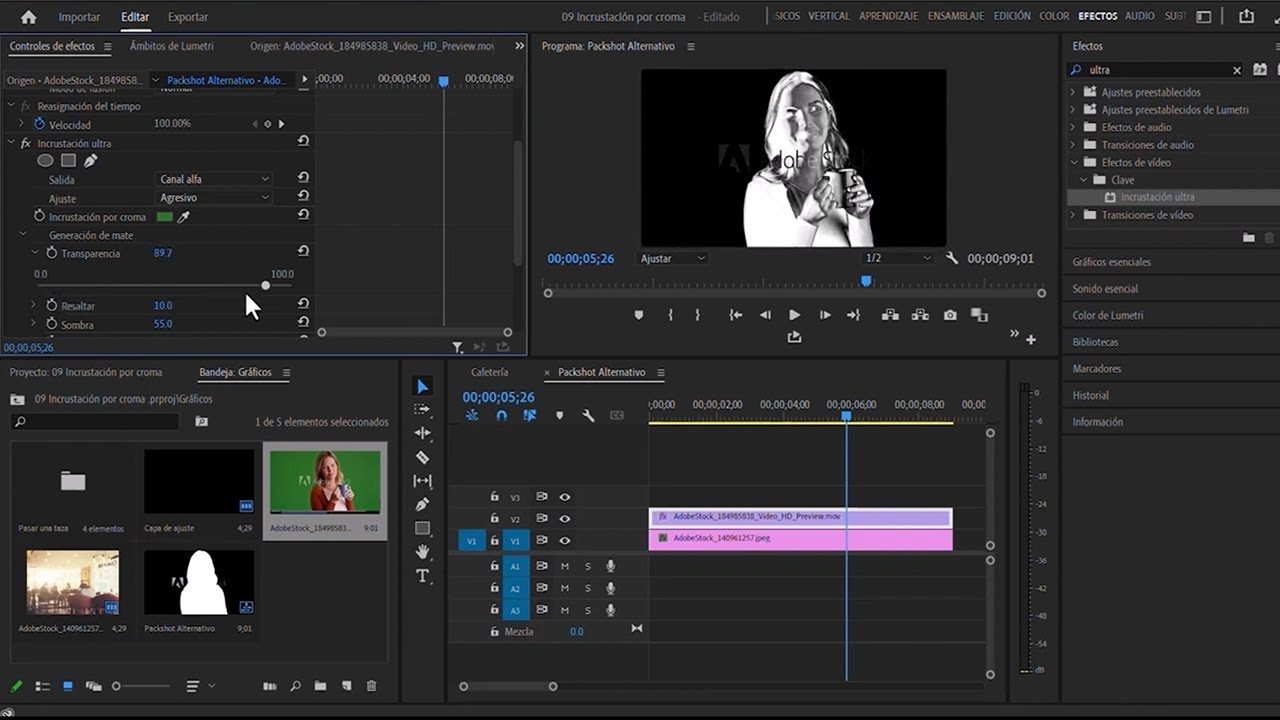
- Use the effects panel to search and apply effects.
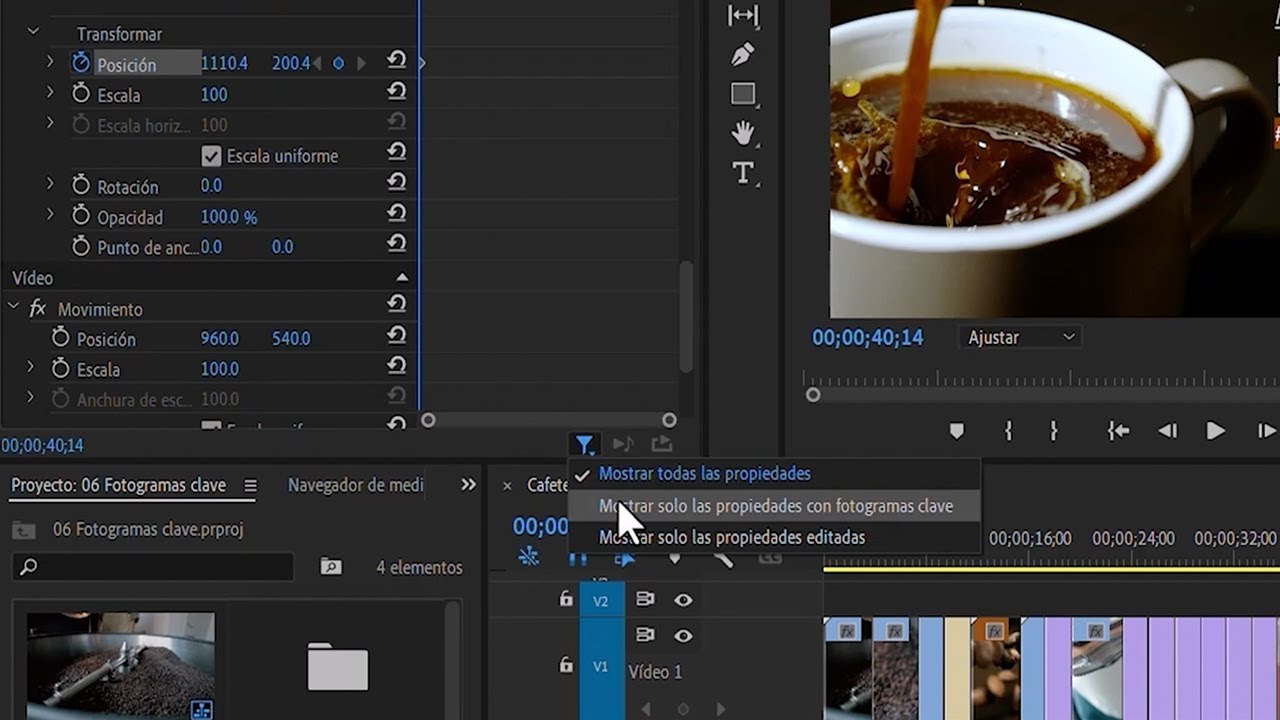
- Adjust effect parameters in the effects control panel.
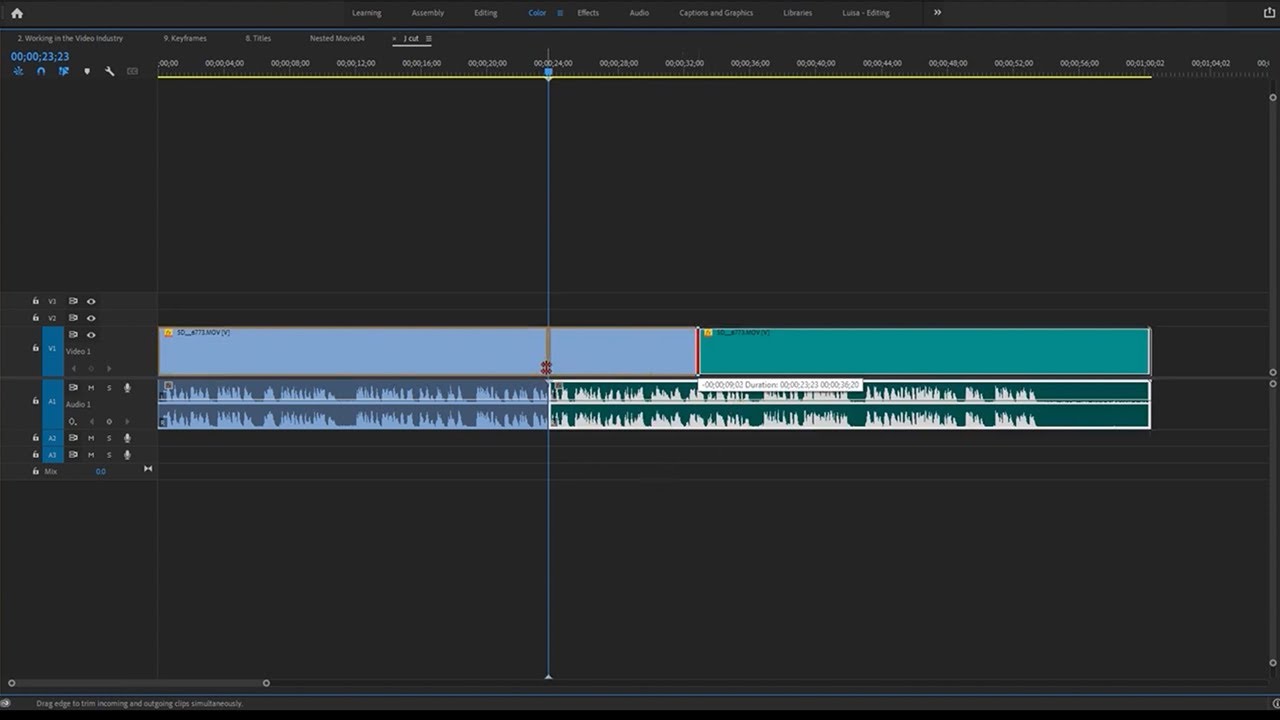
- Understand different types of transitions in editing.
- Utilize cross dissolves for gradual clip transitions.
- Apply effects to adjustment layers for multiple clips.
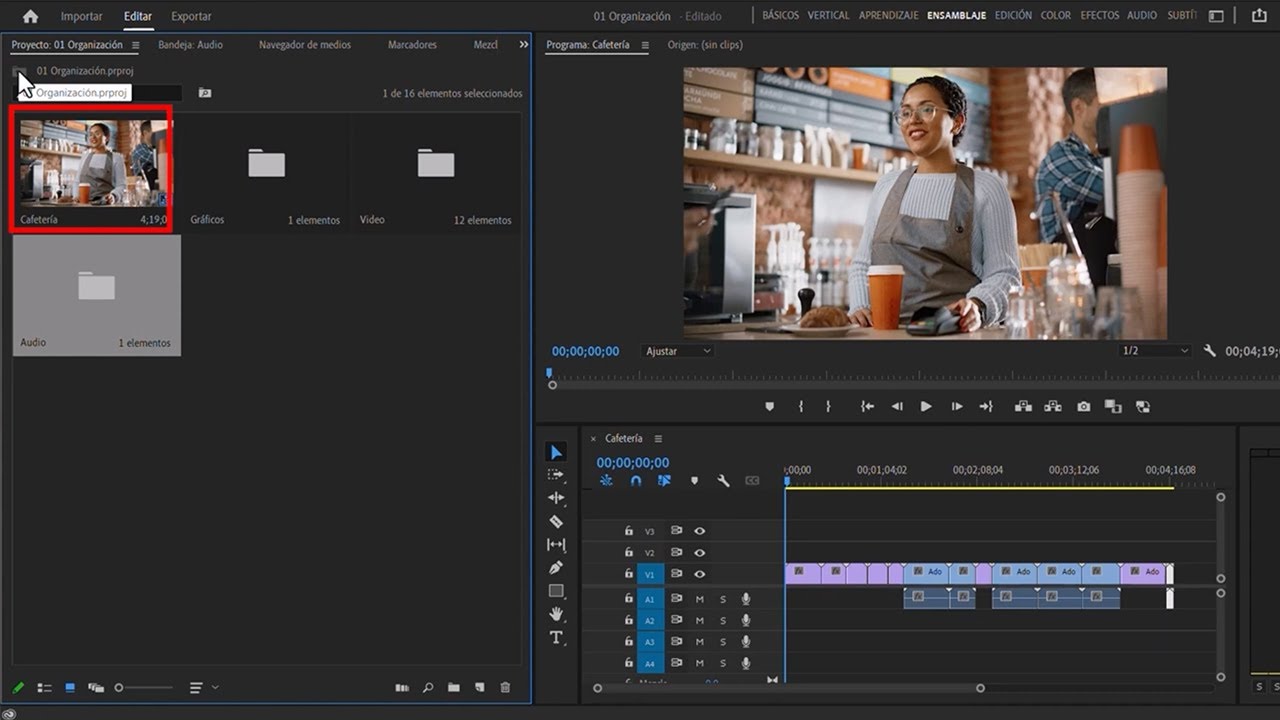
- Manage project organization by using bins effectively.
- Preview transitions by setting in and out points.
- Experiment with transition durations for desired effects.




 AdChoice