
Adobe Trainer (Korean)
Adobe Certified Trainer

프로젝트 설정 및 인터페이스
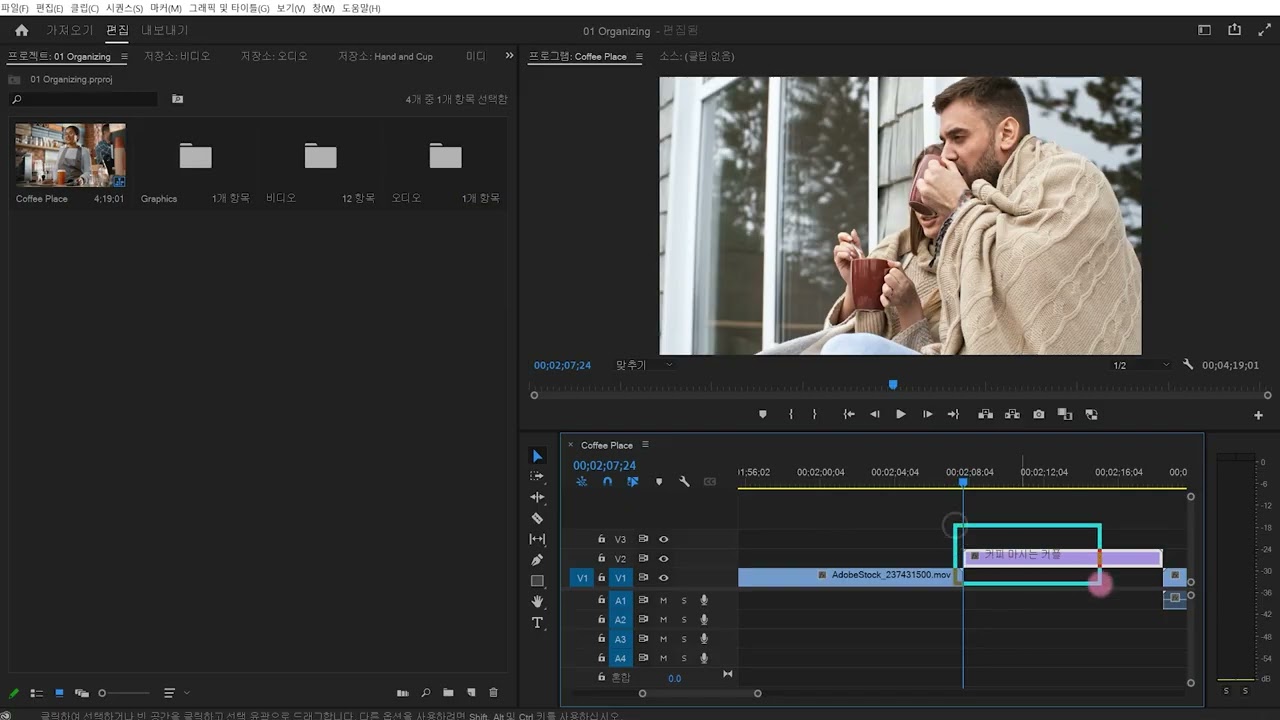
Premiere Pro 시작하기: 프로젝트를 만들고, 클립을 가져오고, 워크플로우를 보완하는 작업 공간의 인터페이스를 탐색합니다.
This summary is AI generated
Learning Outcomes:
- Explore the Premiere Pro interface
- Create and manage sequences
- Import media files effectively
Level: Intermediate
Skills you'll gain:
Premiere Pro, Video Editing, Media Management, Interface Navigation
Key Insights
- Use Alt or Option key to reset preferences.
- Specify project name and location during setup.
- Select media files using Control or Command key.
- Adjust panel sizes by dragging their edges.
- Save custom workspace layouts for efficiency.
- Check sequence settings for resolution and frame rate.
- Utilize the button editor for quick access to icons.
- Import Photoshop files as separate layers in Premiere Pro.
- Adjust sequence size to fit nested sequences.
- Use keyboard shortcuts for timeline navigation.












 AdChoice