

3D Tracking Overview
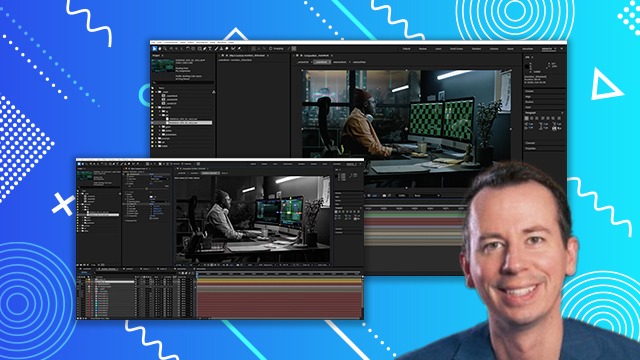
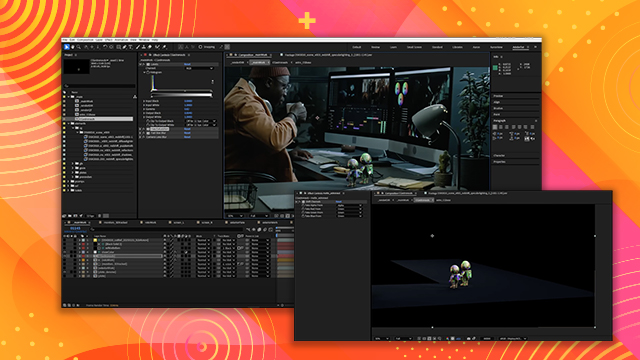
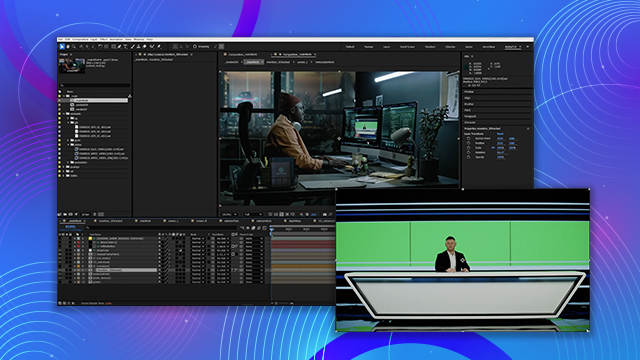
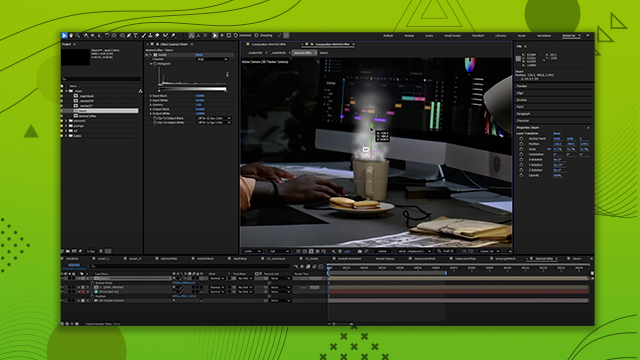
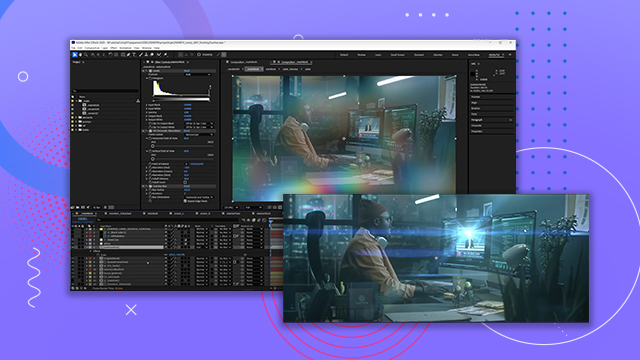
Learn how to quickly set up the shot with 3D Tracking using After Effects 3D Camera Tracker. You’ll also learn how to set up nulls, ground planes and solids to help with image placement.
This summary is AI generated
Learning Outcomes:
- Track 3D camera movements effectively.
- Clean up erroneous markers for better tracking.
- Use CC Power Pin for corner pinning.
Level: Advanced
Skills you'll gain:
After Effects, 3D Tracking, Camera, Compositing
Key Insights
- Convert footage from linear ASUS CG to sRGB for best results.
- Increase marker size for better visibility during tracking.
- Remove large or moving markers to improve tracking accuracy.
- Set the origin on a flat surface for a stable ground plane.
- Use checkerboards on solids to review tracking alignment.
- Check for jittery motion during playback to ensure smooth tracking.
- Limit the number of NLES to avoid UI lag.
- Scale the scene using a 3D null for better manageability.
- Keyframe corner positions to maintain stability throughout the shot.













 AdChoice