
Adobe Trainer (German)
Adobe Certified Trainer

Clips bearbeiten
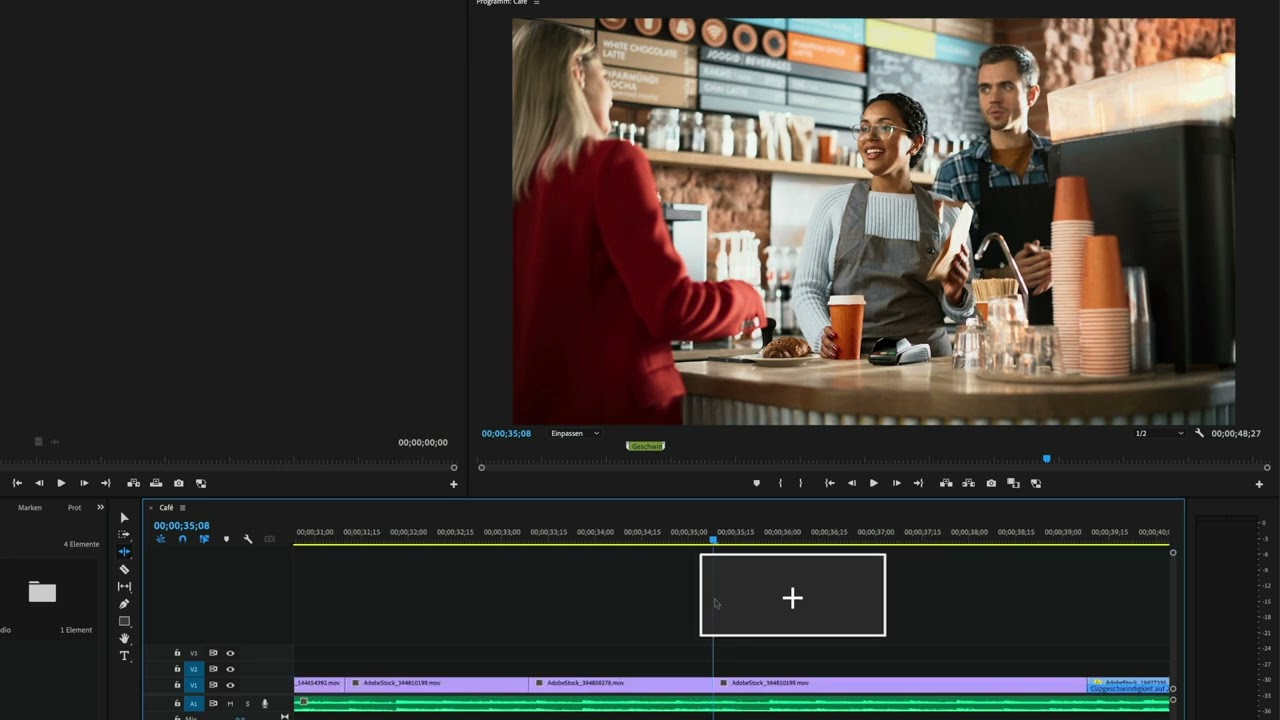
Erfahre, wie du Clips in Adobe Premiere Pro bearbeiten kannst. Du wirst lernen, wie Marker dir bei Entscheidungen im Schnitt helfen können, etwa bei der Verlangsamung oder Beschleunigung von Videoclips.
This summary is AI generated
Learning Outcomes:
- Modify clip speed and duration effectively.
- Utilize markers for better project organization.
Level: Intermediate
Skills you'll gain:
Premiere Pro, Editing, Markers, Speed Adjustment
Key Insights
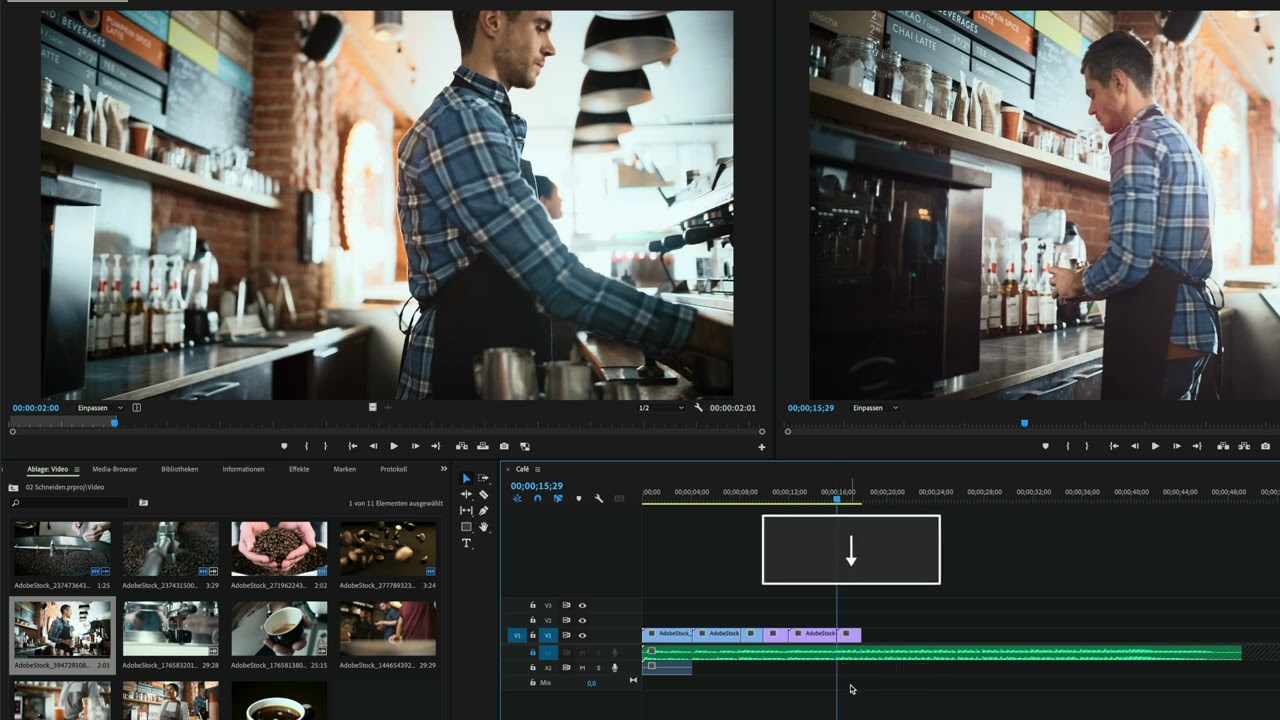
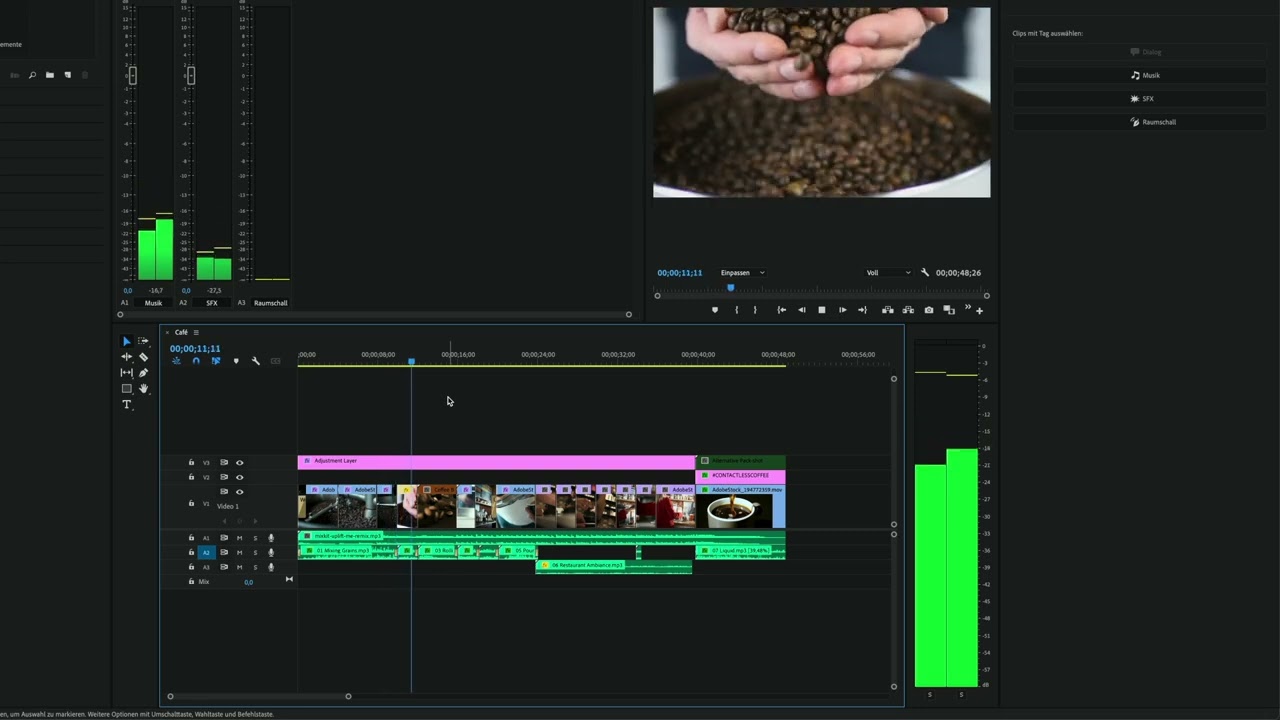
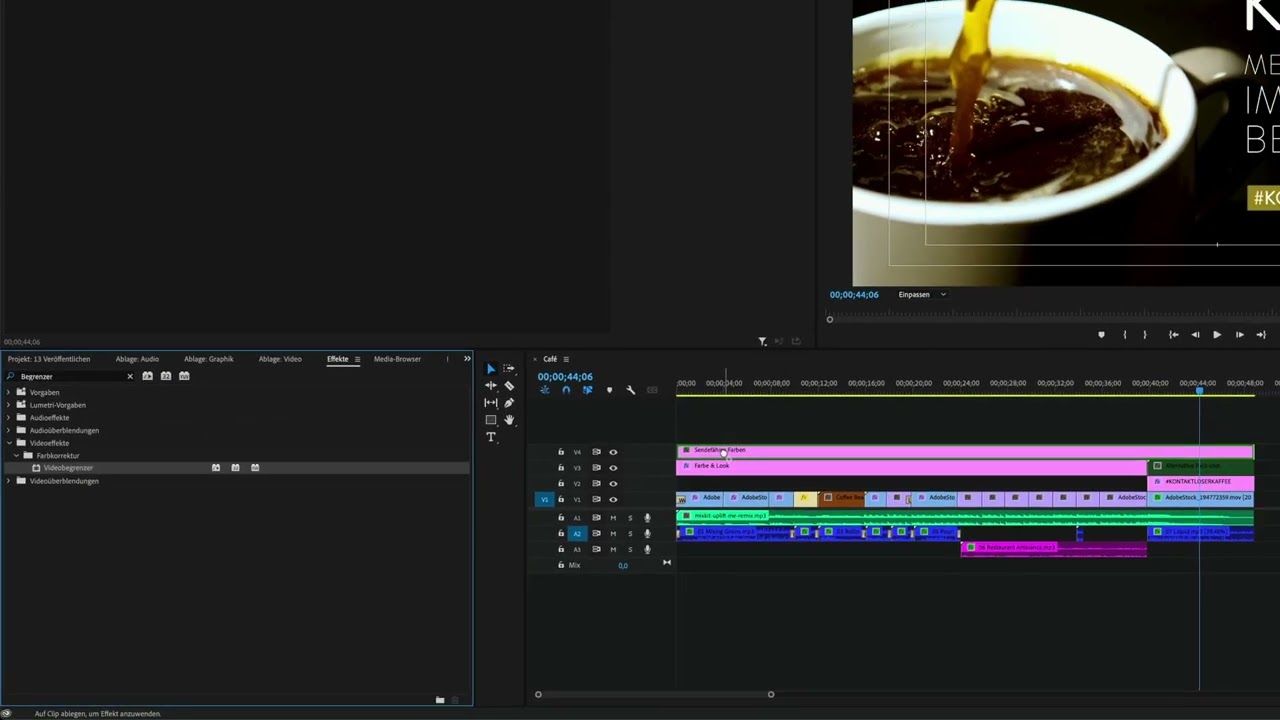
- Switch to editing workspace for clip modifications.
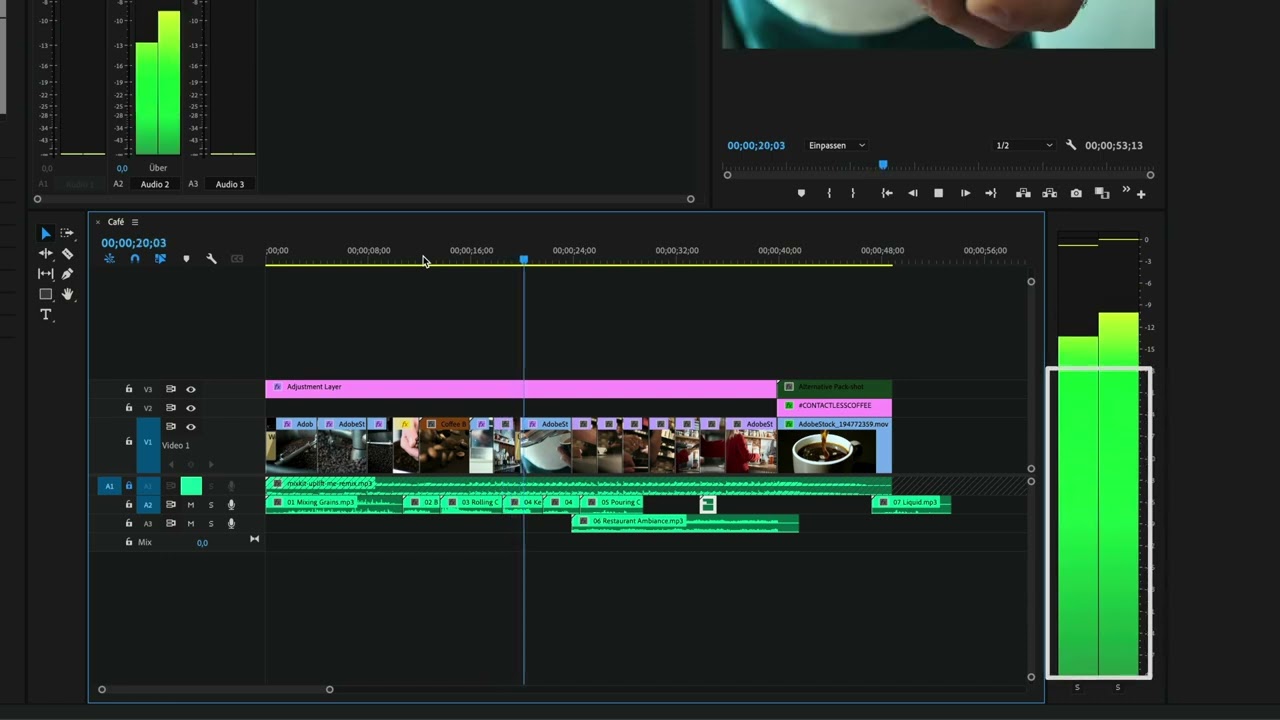
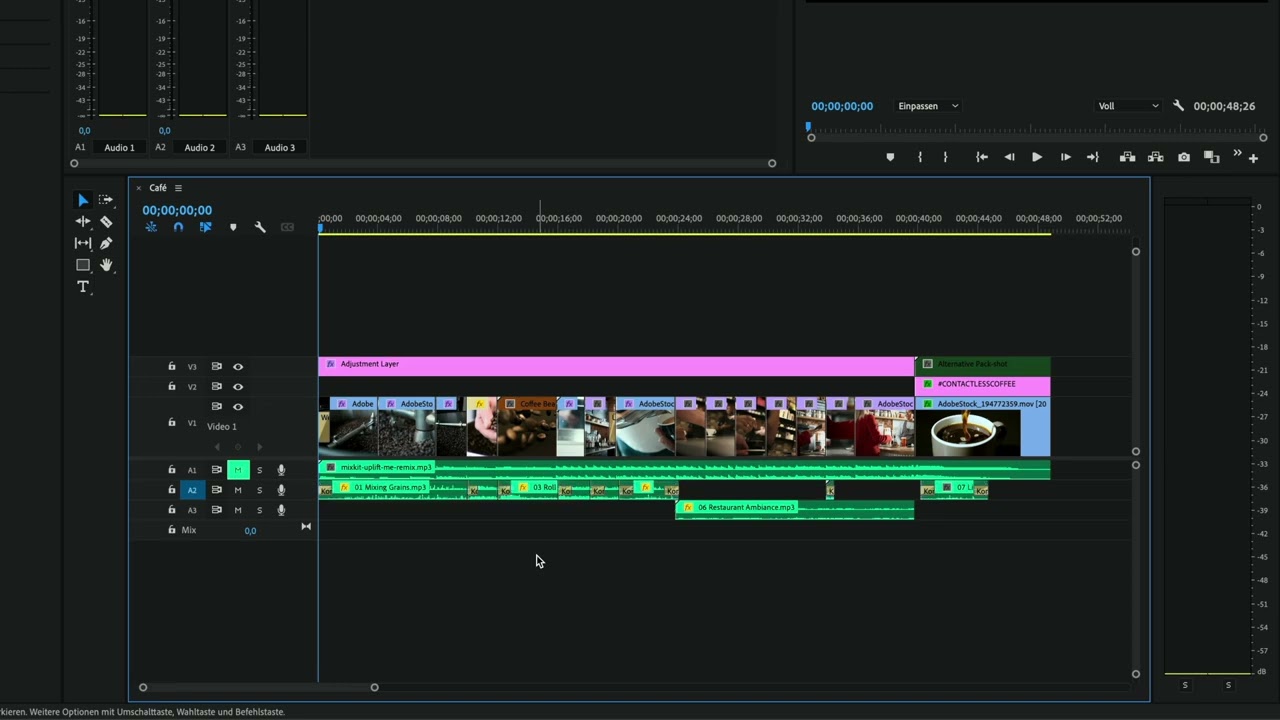
- Use timeline markers to navigate and manage clips.
- Adjust clip speed by right-clicking and selecting options.
- Lock audio tracks to prevent unintended changes.
- Rename clips for better identification in the timeline.
- Extend marker duration to cover entire clips.
- Zoom in and out for precise editing adjustments.
- Apply color labels to clips for visual organization.
- Use markers to provide instructions for collaborators.





 AdChoice