


Color correction & grading
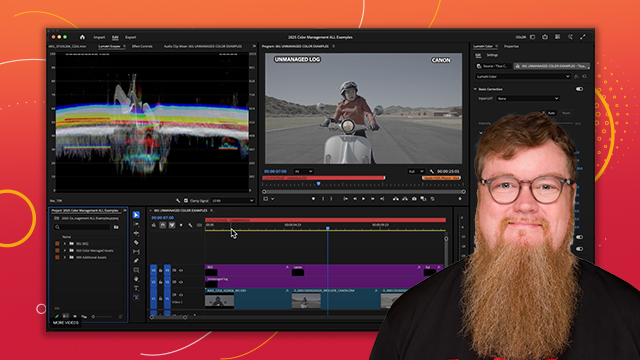
Learn the basics of color correction and the Lumetri color panel.
This summary is AI generated
Learning Outcomes:
- Change workspace to access color panels.
- Utilize Lumetri Color for effective color correction.
- Apply color settings for HDR and log clips.
Level: Advanced
Skills you'll gain:
Premiere Pro, Color Correction, Lumetri, Color Grading
Key Insights
- Activate color workspace for dedicated color tools.
- Use Comparison View to compare shots side by side.
- Scopes help visualize color adjustments effectively.
- Consolidate color settings for better workflow.
- Auto-detect log color space for improved image quality.
- Apply Lumetri Color effects directly from the panel.
- Use HSL secondary for targeted color corrections.
- Stack multiple Lumetri effects for complex adjustments.
- Color correct at the source level for consistency.
- Utilize masks to isolate color adjustments effectively.














 AdChoice