


Effects and Transitions
Learn how to apply transitions and effects to video and audio.
This summary is AI generated
Learning Outcomes:
- Add effects and transitions in Premiere Pro.
- Customize workspace for efficient editing.
- Adjust transition duration and alignment.
Level: Advanced
Skills you'll gain:
Premiere Pro, Transitions, Effects, Editing
Key Insights
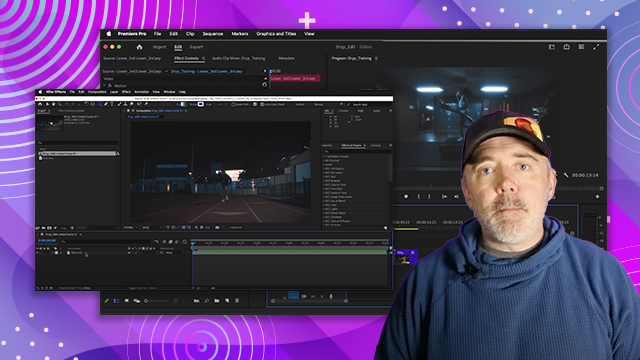
- Rearrange workspace for effects using the workspace button.
- Use keyboard shortcuts to add default transitions quickly.
- Customize default transitions in settings for efficiency.
- Adjust transition duration in effects controls.
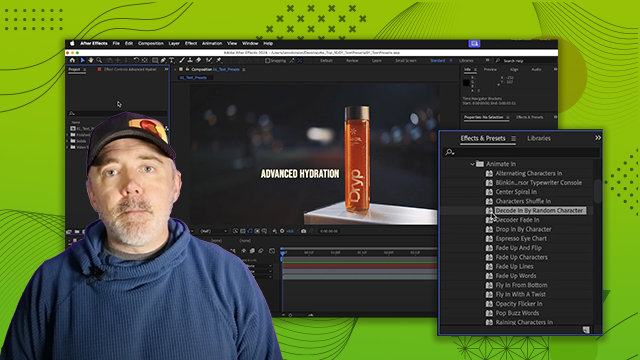
- Use adjustment layers to apply effects across multiple clips.
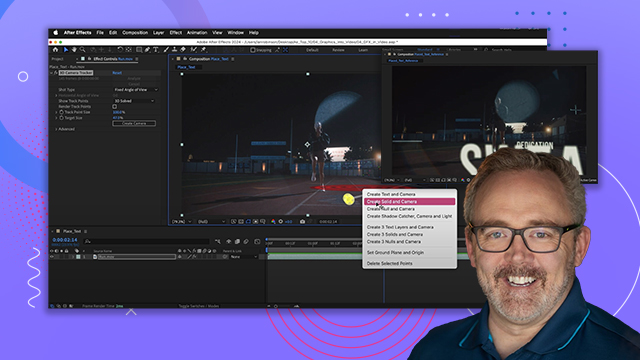
- Track masks to follow moving subjects in clips.
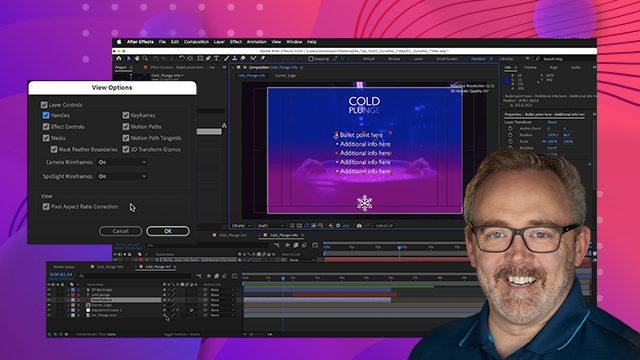
- Utilize the properties panel for batch adjustments.
- Explore various transition types for creative edits.
- Remove transitions from multiple clips using simplify sequence.
- Apply audio effects similarly to video effects.


 AdChoice