Flujo de Edición
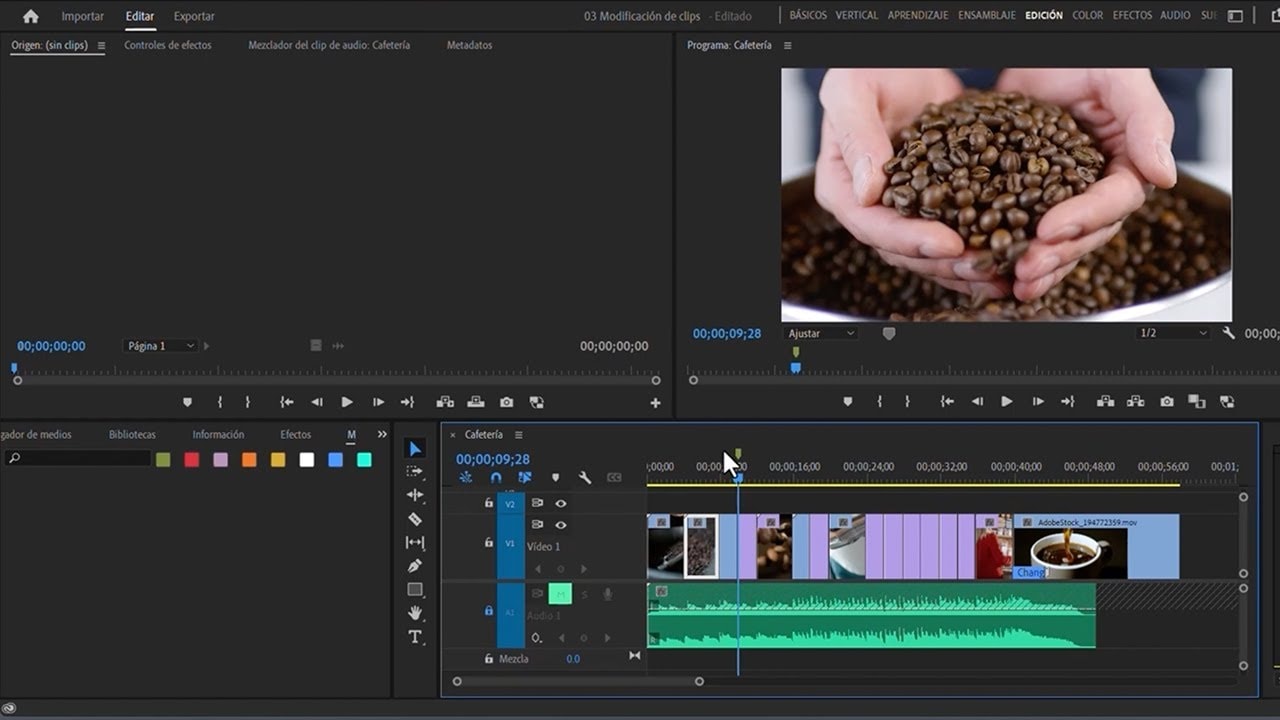
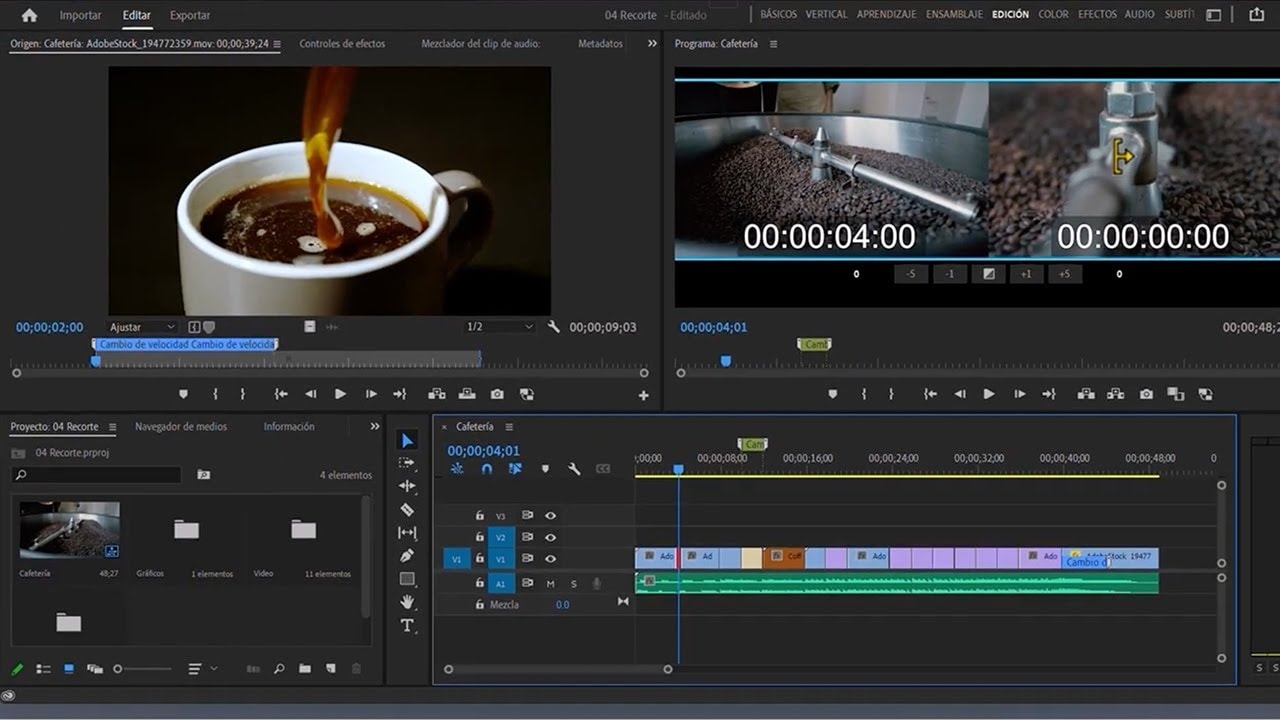
Aprende cómo editar con Adobe Premiere Pro. Se le introducirá cómo añadir una base de audio a sus videos y añadir clips a su sequencia en Premiere Pro. También se cubre cómo editar los clips de vídeo estableciendo puntos de entrada y salida en sus clips.
This summary is AI generated
Learning Outcomes:
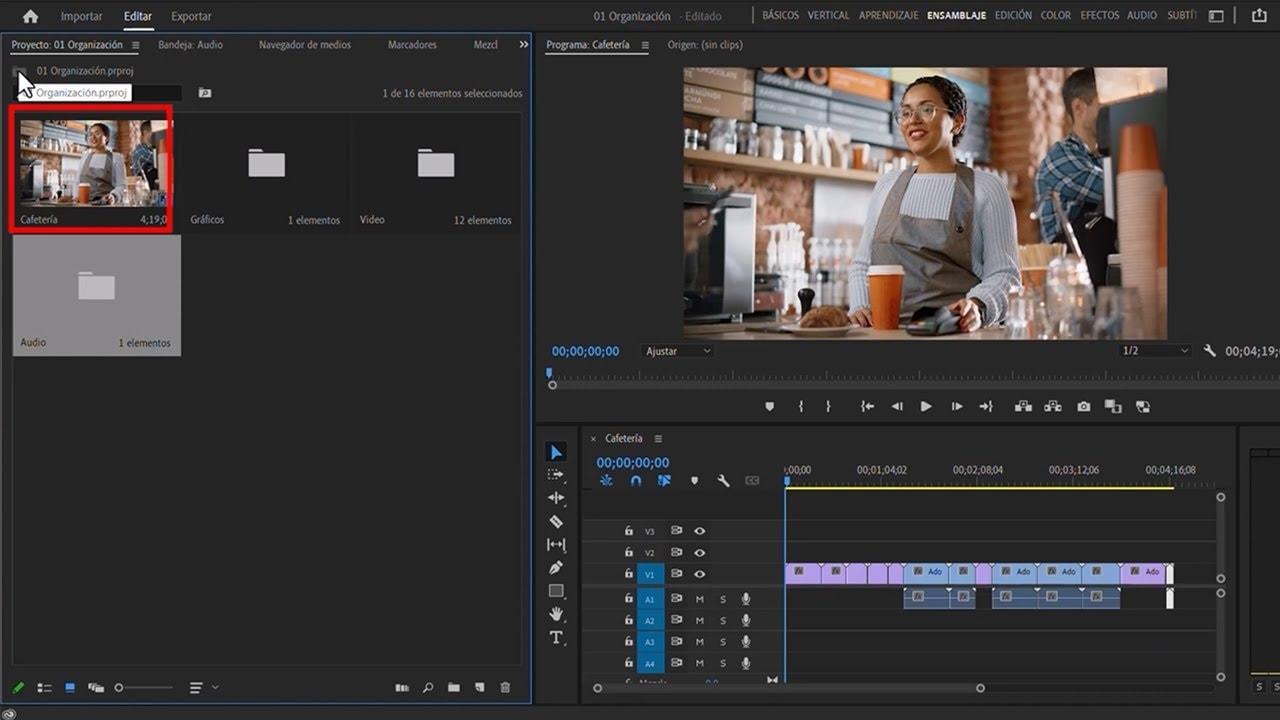
- Organize clips efficiently in Premiere Pro
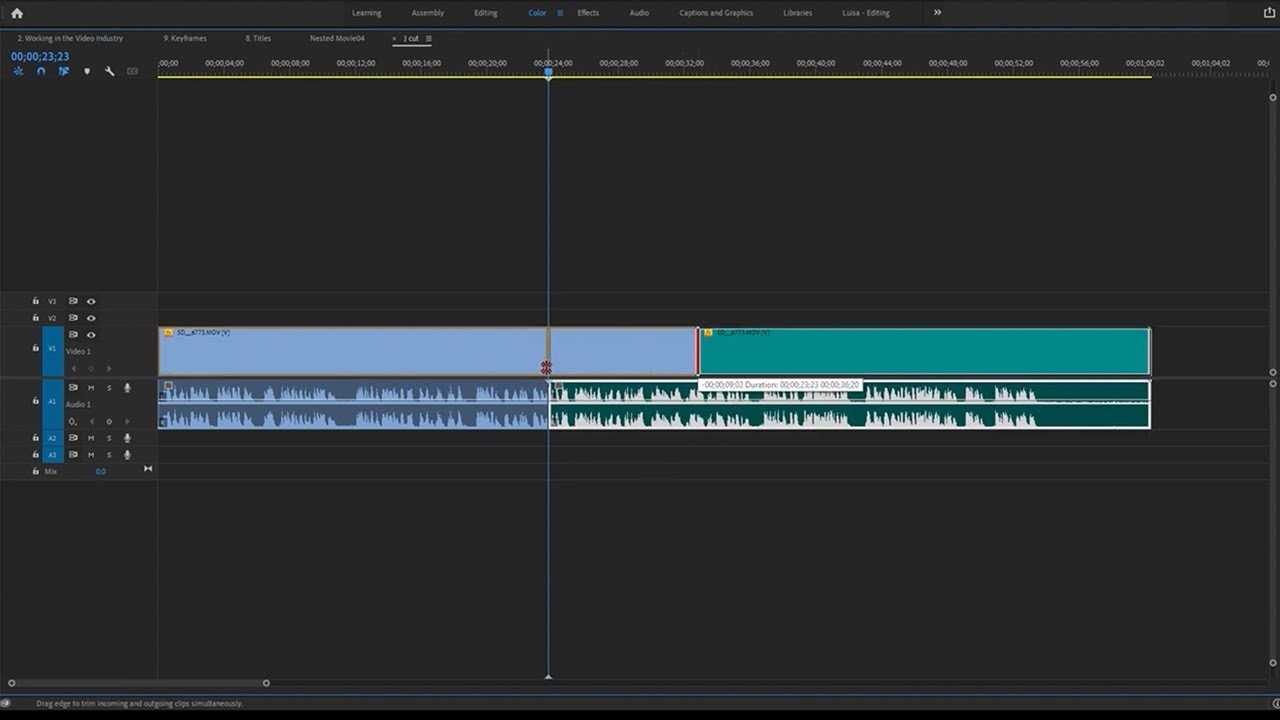
- Edit and arrange clips in the timeline
- Use keyboard shortcuts for faster editing
Level: Intermediate
Skills you'll gain:
Premiere Pro, Editing, Organization, Keyboard Shortcuts
Key Insights
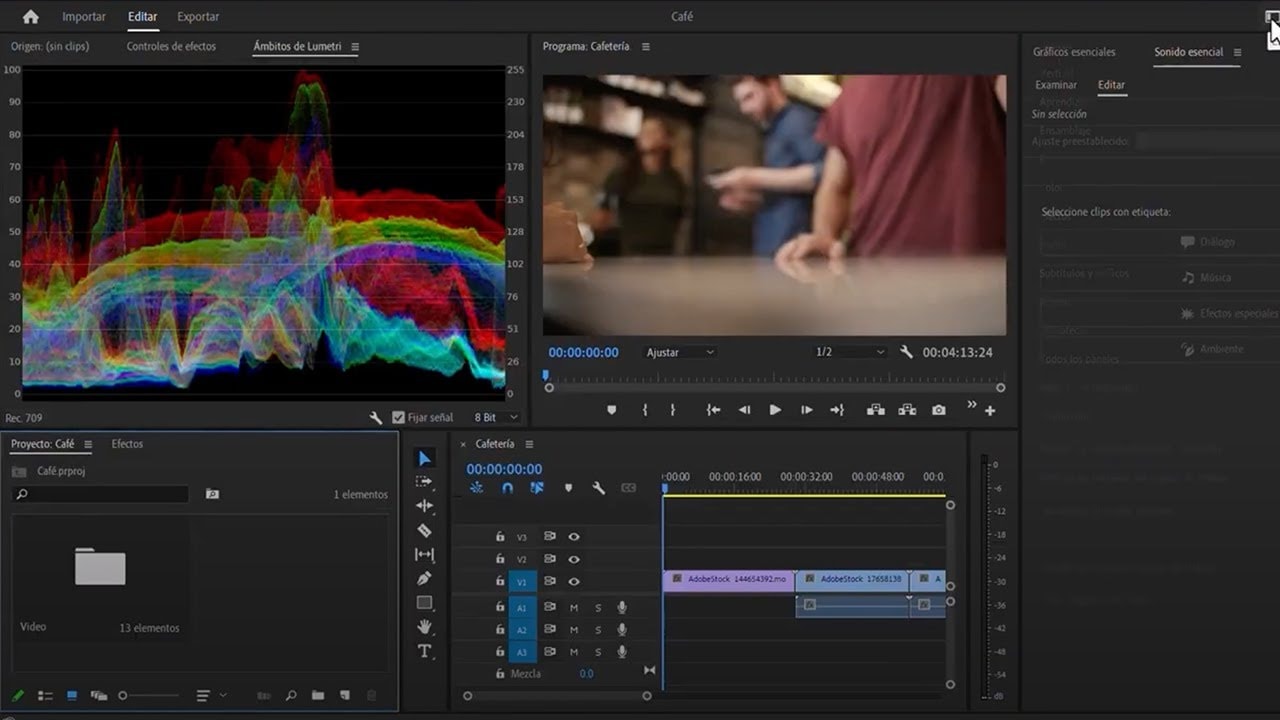
- Switch workspaces for different editing tasks.
- Maximize panels for better visibility and organization.
- Use the tilde key to maximize clip panels.
- Set in and out points for precise editing.
- Understand the difference between insert and overwrite edits.
- Utilize keyboard shortcuts to streamline the editing process.
- Use lift and extract for removing clips from the timeline.
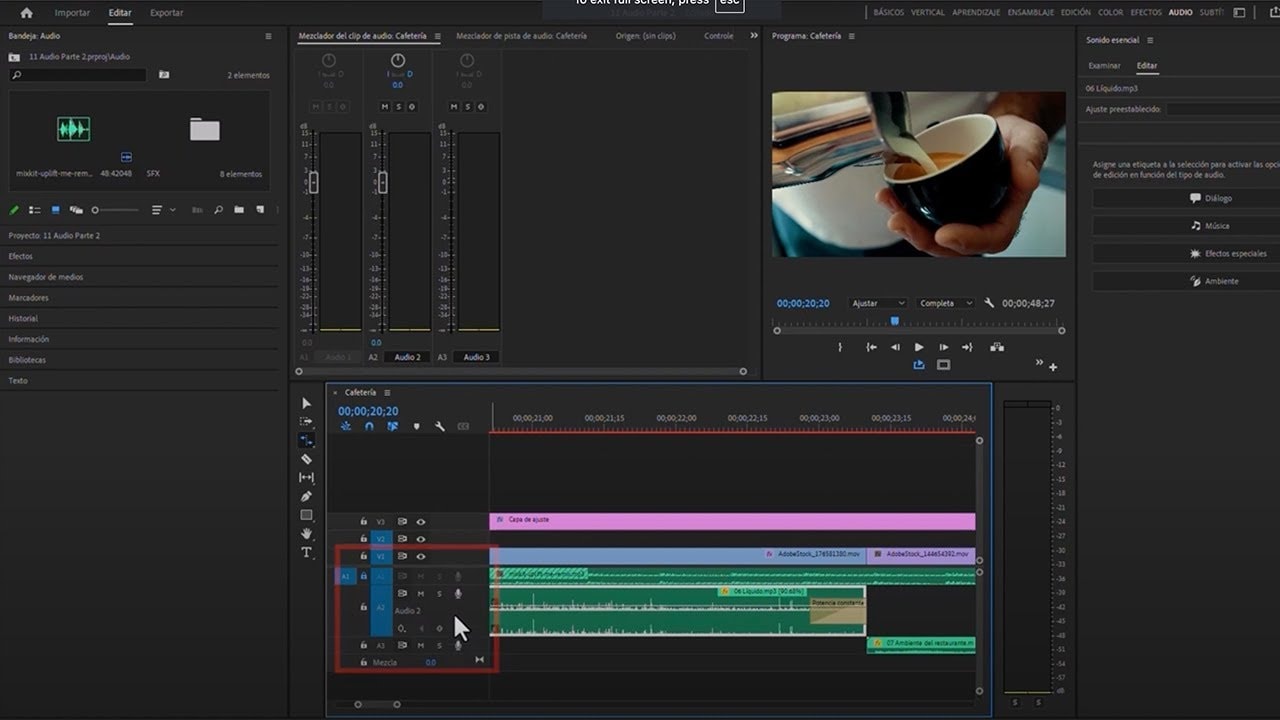
- Manage audio tracks by locking them during edits.
- Adjust zoom levels for a better view of the timeline.
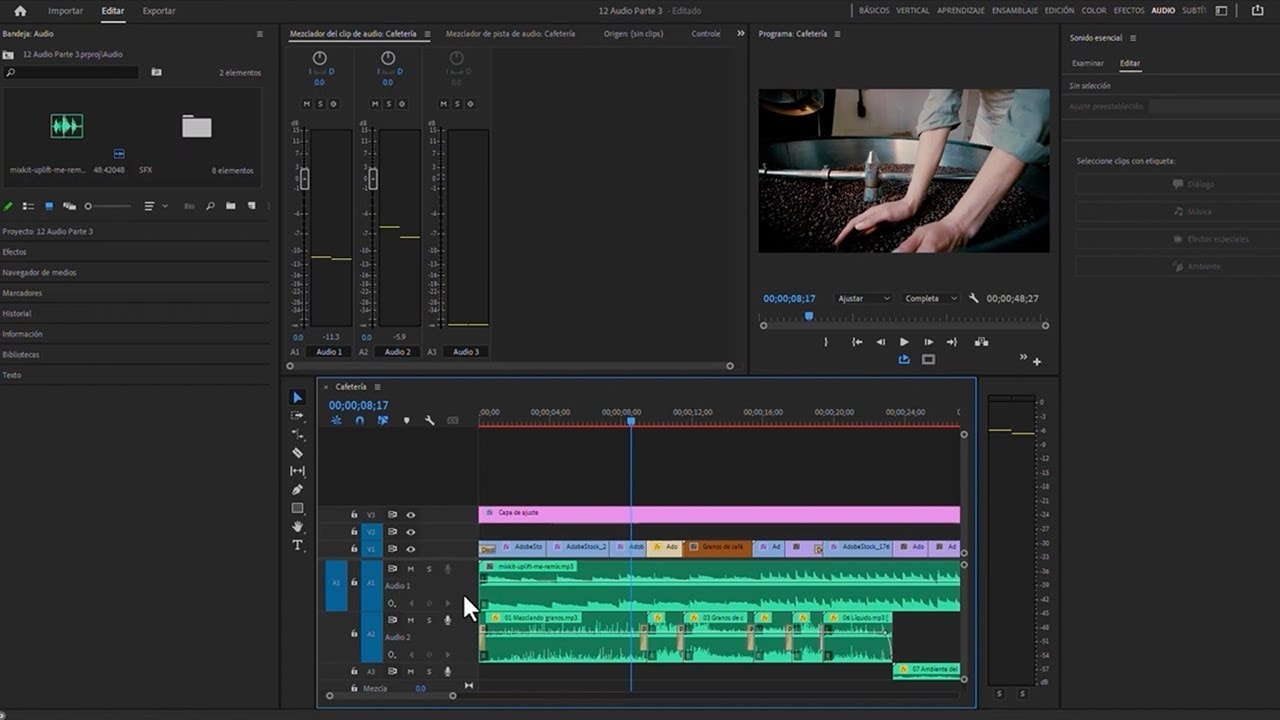
- Create a rough cut before finalizing edits.