


Masking Techniques, Blend Modes, and Track Mattes
Learn how to take basic designs skills into motion design skills using common After Effects and Photoshop Techniques.
This summary is AI generated
Learning Outcomes:
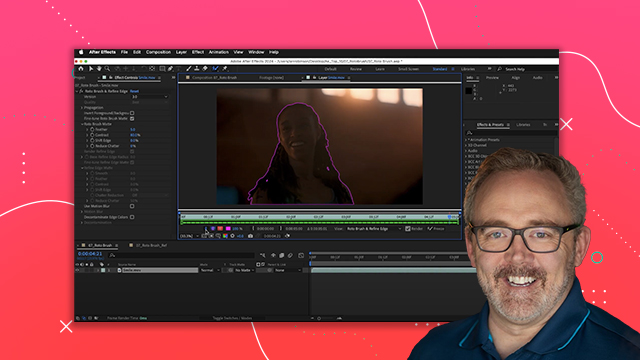
- Create masks to remove distracting elements
- Utilize blend modes for layer interaction
- Apply content aware fill for seamless edits
Level: Advanced
Skills you'll gain:
After Effects, Masking, Blending, Tracking
Key Insights
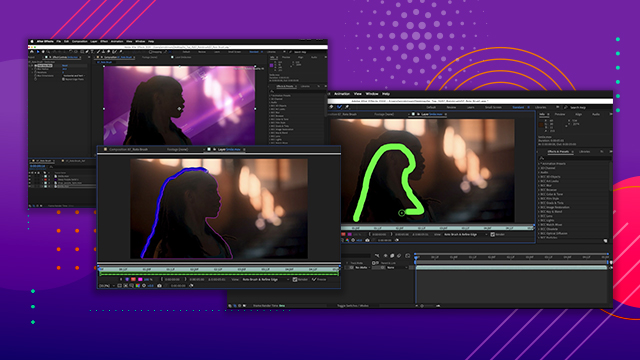
- Masks can be drawn using shape tools.
- Track masks to follow moving footage.
- Content aware fill analyzes and fills removed areas.
- Blend modes adjust how layers interact visually.
- Use track mats to control layer transparency.
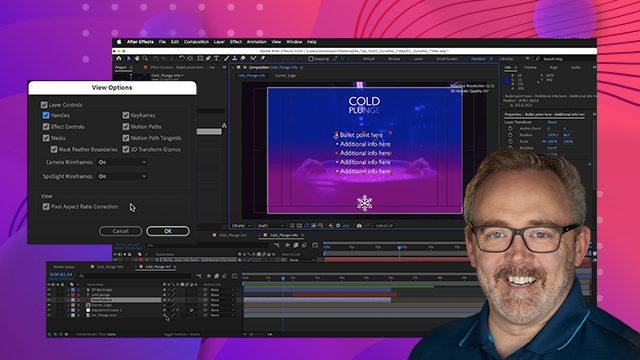
- Adjust mask modes to add or subtract visibility.
- Zoom in to refine mask edges accurately.
- Use the transparency grid to check for transparency.
- Apply effects like glow to enhance visuals.
- Layer opacity adjustments help blend elements.


 AdChoice