


Media Intelligence and Effects
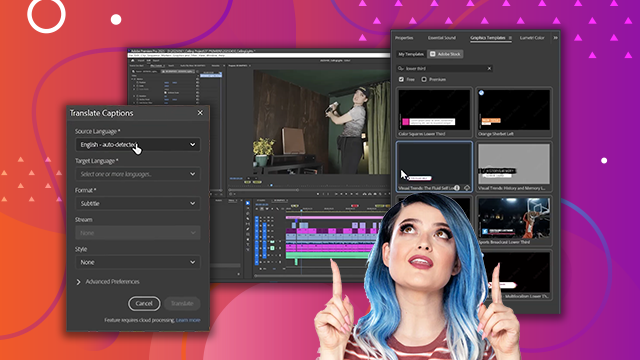
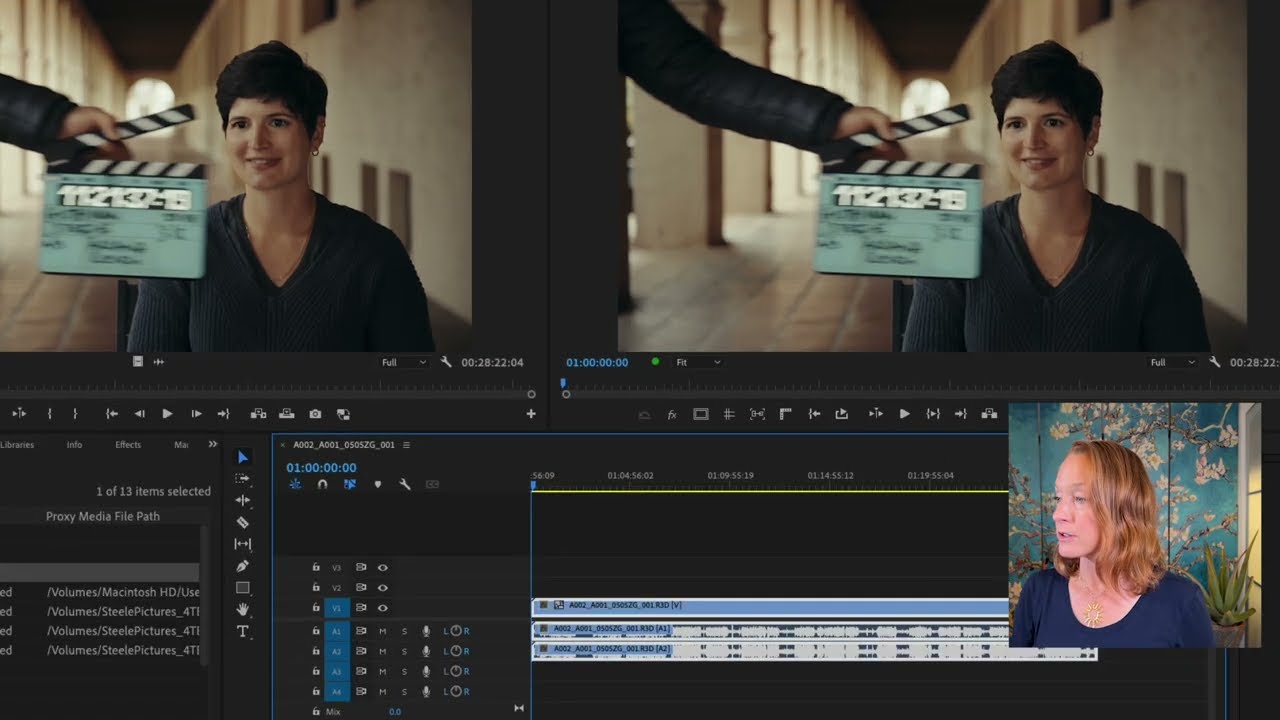
Learn how to search assets and use source patching to streamline your workflow. Enhance your video with techniques like adjusting opacity, fixing shaky footage, basic color correction with the Lumetri Panel, color matching, removing attributes, adding effects via adjustment layers, creating default transitions, and incorporating sound effects and motion graphics templates.
This summary is AI generated
Learning Outcomes:
- Search for media using keywords.
- Apply color correction to clips.
- Use adjustment layers for global effects.
Level: Beginner
Skills you'll gain:
Premiere Pro, Color Correction, Media Management, Audio Editing
Key Insights
- Utilize the search panel for efficient media retrieval.
- Understand source patching for accurate clip placement.
- Use the comma and period shortcuts for inserting clips.
- Employ warp stabilizer for shaky footage.
- Adjust color using Lumetri Color for better visuals.
- Copy and paste effects across multiple clips.
- Create adjustment layers for uniform adjustments.
- Use essential sound panel for audio enhancements.
- Incorporate graphics templates for professional titles.
- Manage project organization with bins effectively.








 AdChoice