


Organizing Your Workspace
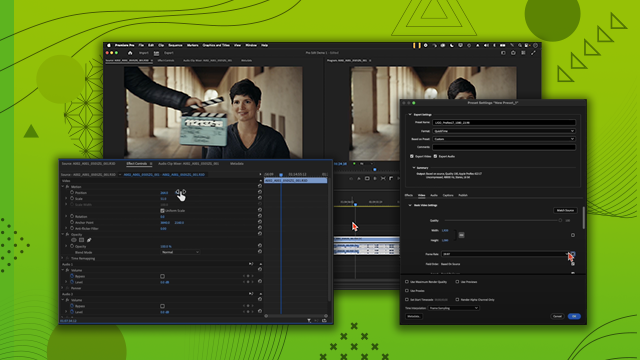
Explore the five main windows of the Premiere Pro interface and master import tools for efficient media management. Learn how to organize your workspace to streamline your editing process to boost productivity.
This summary is AI generated
Learning Outcomes:
- Navigate Premiere Pro's interface effectively.
- Organize clips using project and source windows.
- Utilize keyboard shortcuts for efficiency.
Level: Beginner
Skills you'll gain:
Premiere Pro, Editing, Organization, Audio
Key Insights
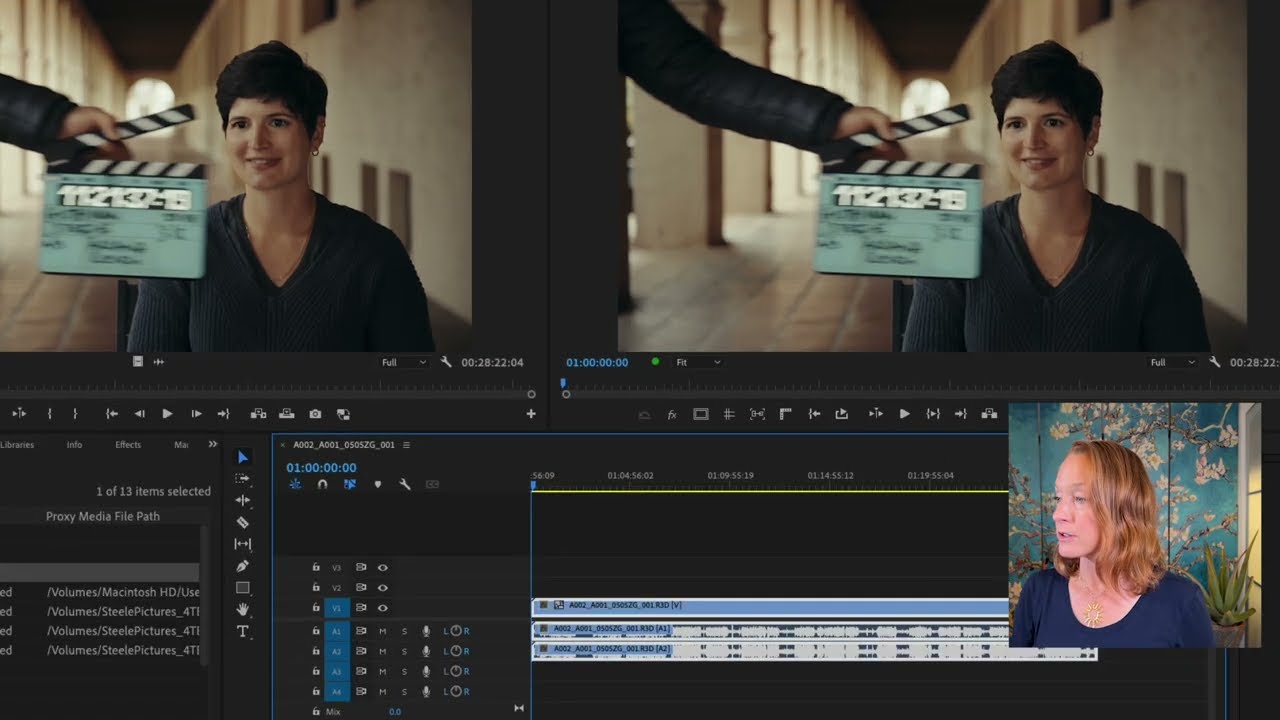
- Understand the purpose of the project, source, timeline, and program windows.
- Use the properties panel to adjust clip settings.
- Learn the importance of audio levels and visual indicators.
- Import clips efficiently using folder structures.
- Reset workspace layout to default if needed.
- Utilize different workspace configurations for specific tasks.
- View clips in list or icon format for better organization.
- Use keyboard shortcuts like 'V' for quick tool access.
- Adjust window sizes for personalized workspace.







 AdChoice