


Project setup & media import
Learn how to set up your projects and import media.
This summary is AI generated
Learning Outcomes:
- Create a new project in Premiere
- Import and manage media files effectively
- Relink clips when necessary
Level: Advanced
Skills you'll gain:
Premiere Pro, Media Management, Project Creation, Clip Relinking
Key Insights
- Premiere projects are format agnostic.
- Frame rate and resolution are set per sequence.
- Use the import screen to manage media locations.
- Copying media is optional; linking is preferred.
- Utilize project manager for file organization.
- Premiere allows editing from various media locations.
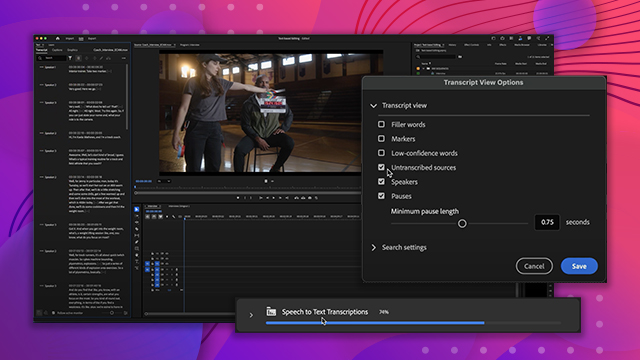
- Automatic transcription feature enhances workflow.
- Maintain separate storage for media and projects.
- Use the text panel for searchable documents.
- Project locking prevents simultaneous editing conflicts.













 AdChoice