

Proxy workflows, presets and optimization
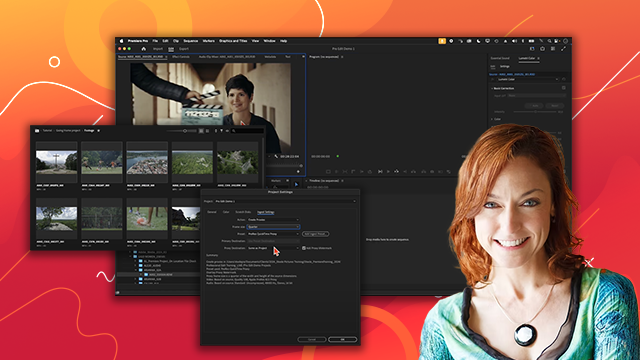
Learn about proxy workflows, Adobe Media Encoder presets for professional encoding and ingesting, and optimizing timeline editing for high-resolution files.
This summary is AI generated
Learning Outcomes:
- Understand the role of Adobe Media Encoder
- Create and manage proxy settings in Premiere Pro
- Troubleshoot audio channel mismatches effectively
Level: Beginner
Skills you'll gain:
Premiere Pro, Media Encoder, Proxy Workflow, Audio Management
Key Insights
- Adobe Media Encoder is essential for Premiere Pro workflows.
- Ingest settings can affect audio channel configurations.
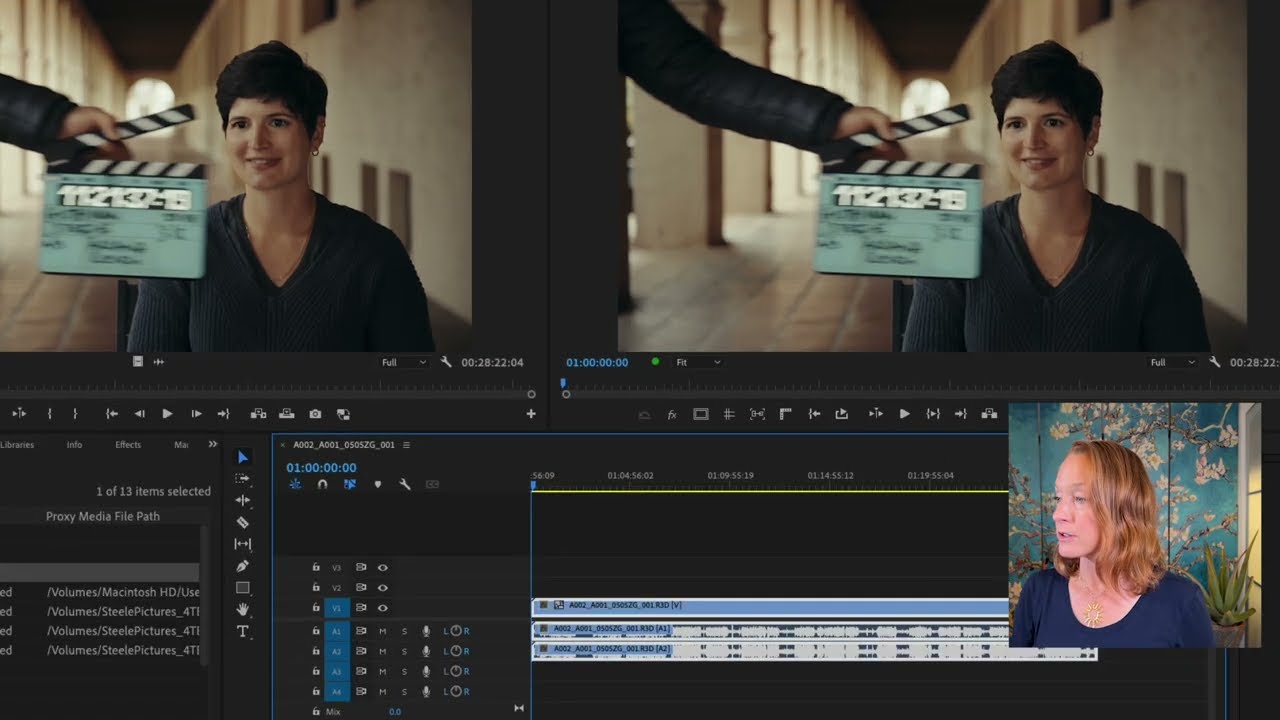
- Proxies should match original footage audio settings.
- Transcoding can unify differing frame rates in projects.
- Using lightweight proxies aids editing on less powerful systems.
- Custom presets in Media Encoder enhance workflow efficiency.
- Understanding codec compatibility is crucial for smooth editing.
- Metadata management is important for organized projects.
- Adjusting sequence settings can optimize performance.
- Familiarize with Adobe's help resources for best practices.








 AdChoice