


Transcription, Translation and Text-based Editing
Learn how to create a transcript, turn it into captions and translate them into another language. You'll also learn how to use Text-Based Editing to quickly generate a rough cut.
This summary is AI generated
Learning Outcomes:
- Transcribe clips automatically in Premiere Pro.
- Edit transcripts for accuracy and clarity.
- Create captions and translate them easily.
Level: Advanced
Skills you'll gain:
Premiere Pro, Transcription, Editing, Translation
Key Insights
- Utilize text-based editing to streamline video editing.
- Enable automatic transcription for all imported clips.
- Label speakers during transcription for better organization.
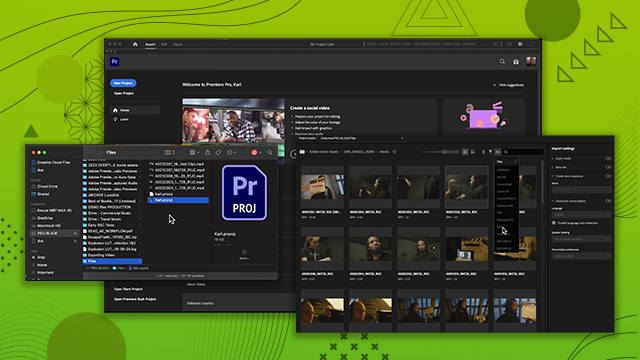
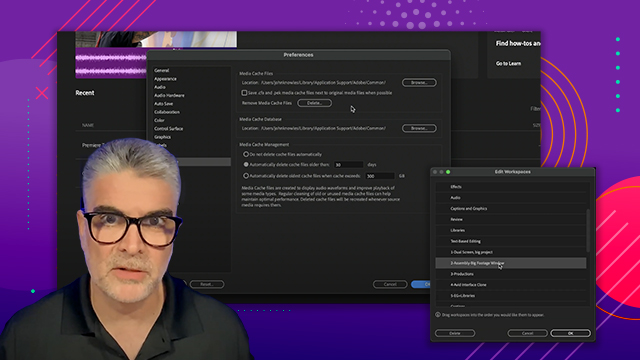
- Adjust transcription settings in preferences or import window.
- Edit transcripts directly in the text panel for accuracy.
- Use the follow active monitor feature for linked transcripts.
- Generate static transcripts for specific timeline segments.
- Create captions from transcripts for accessibility.
- Translate captions into multiple languages using cloud processing.
- Export captions in various formats, including SRT.



 AdChoice