


User Interface Tour & Basic Animation Techniques
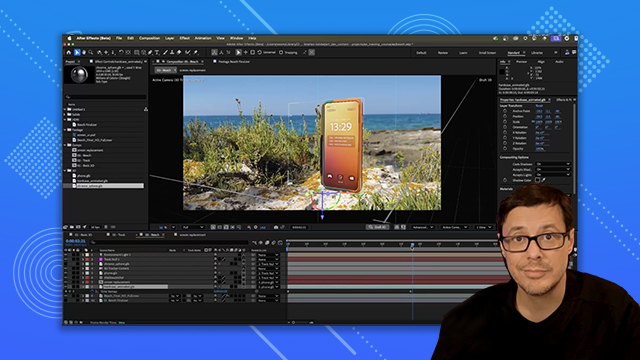
Learn to navigate the After Effects interface, structure your projects and create basic animations from existing Photoshop designs.
This summary is AI generated
Learning Outcomes:
- Understand After Effects interface and workspace
- Create and manipulate keyframes for animation
- Import and organize multimedia files effectively
Level: Beginner
Skills you'll gain:
After Effects, Animation, Keyframes, Compositions
Key Insights
- After Effects is ideal for adding motion to designs.
- Keyframes hold specific values at designated times for animation.
- Layer stacking determines visibility and order in compositions.
- Use the Anchor Point for precise scaling and rotation.
- Parenting layers allows for coordinated movement.
- Utilize effects and presets to enhance animations.
- Maintain organized project files for efficient workflow.
- Adjust composition settings for optimal output.
- Understand frame rates for smooth video playback.
- Use masks to control visibility of video layers.





 AdChoice